

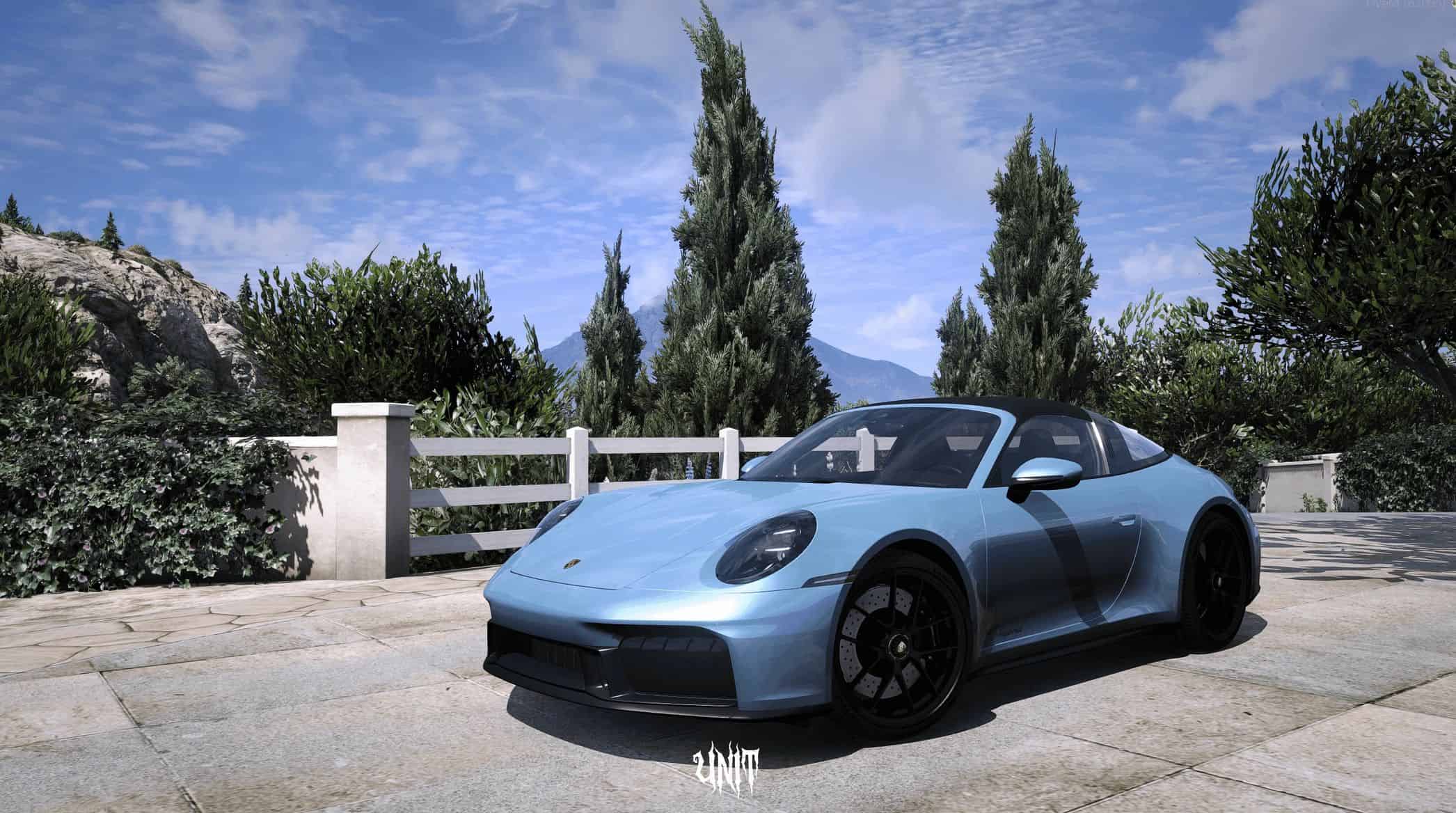
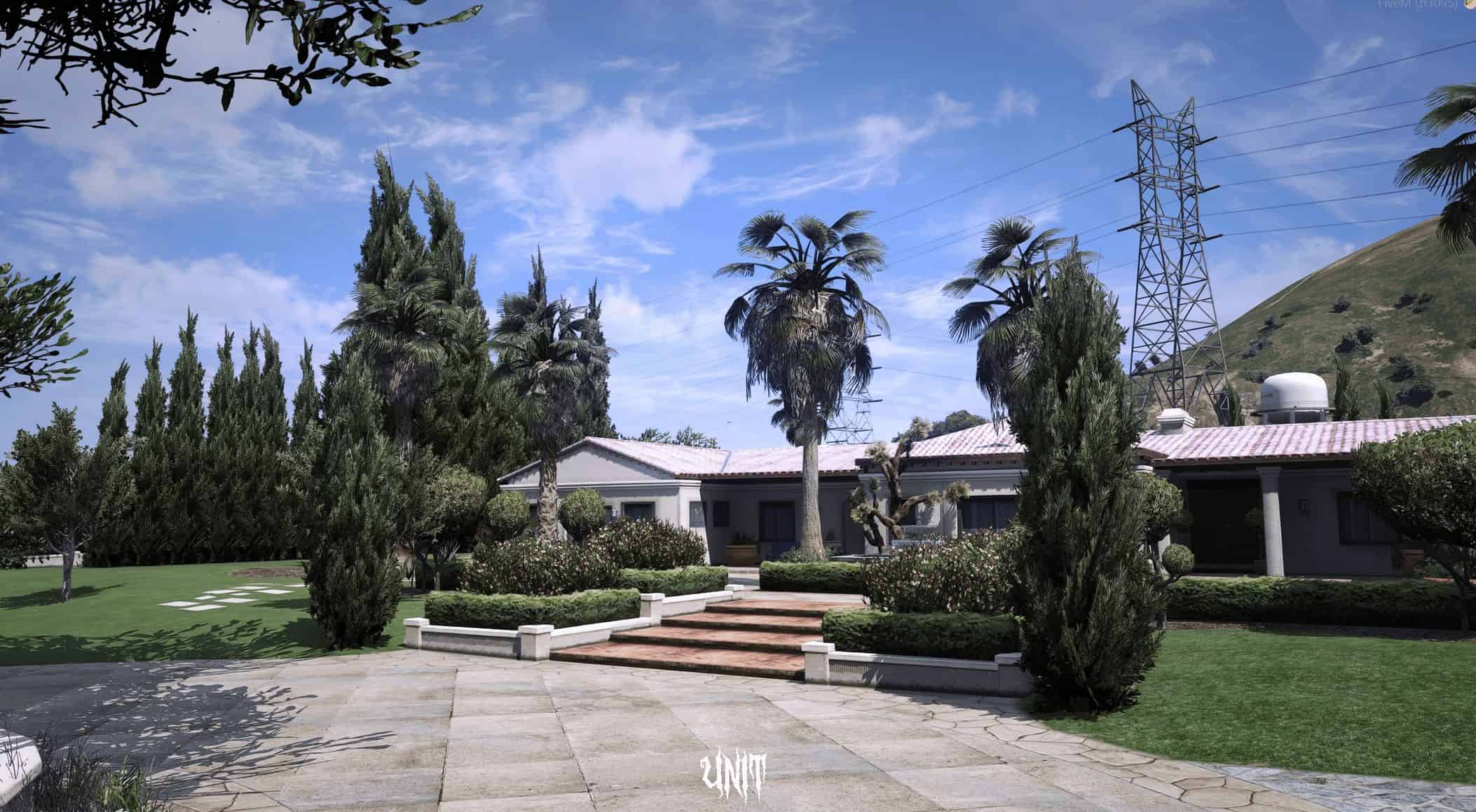
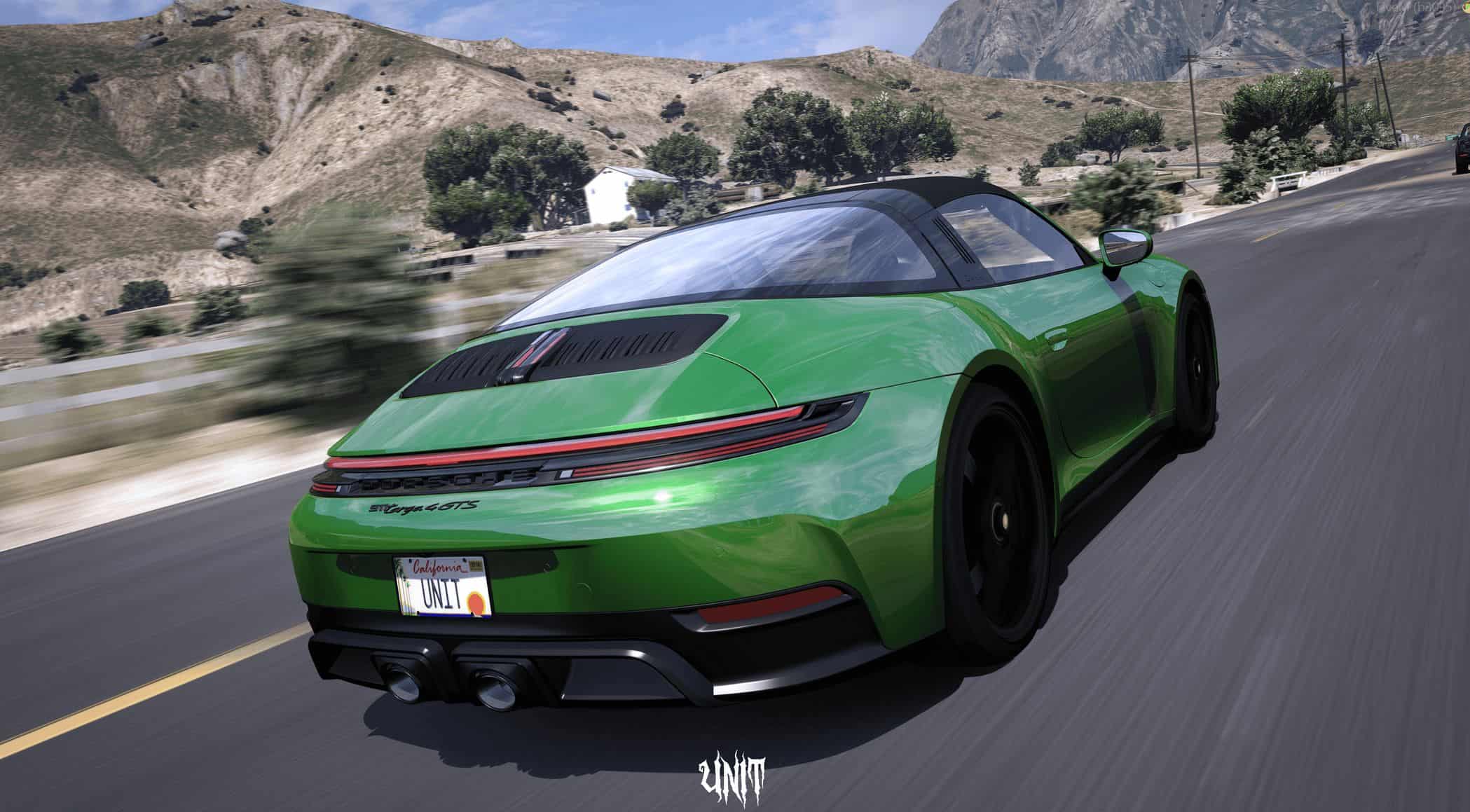
UniT Simplistic Preset (QuantV ReShade Preset) 1.0
This preset is based on QuantV — a cold, clean and simplistic preset that brings life to your FiveM visuals and enhances your gameplay experience, all while being performance friendly.
How to Install:
– Make Sure To have Quantv installed .
– Ensure ReShade is installed with ALL effects downloaded.
– Drag and drop the .ini preset file into your preferred folder.
– Copy the folder’s path and open the ReShade menu in-game.
– Paste the path and select the .ini file to activate it.
Enjoy the enhanced visuals!