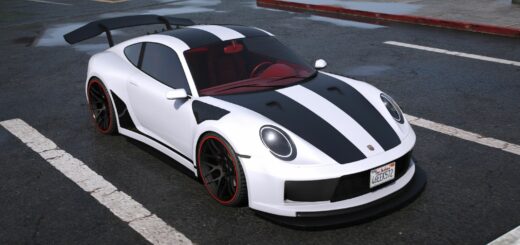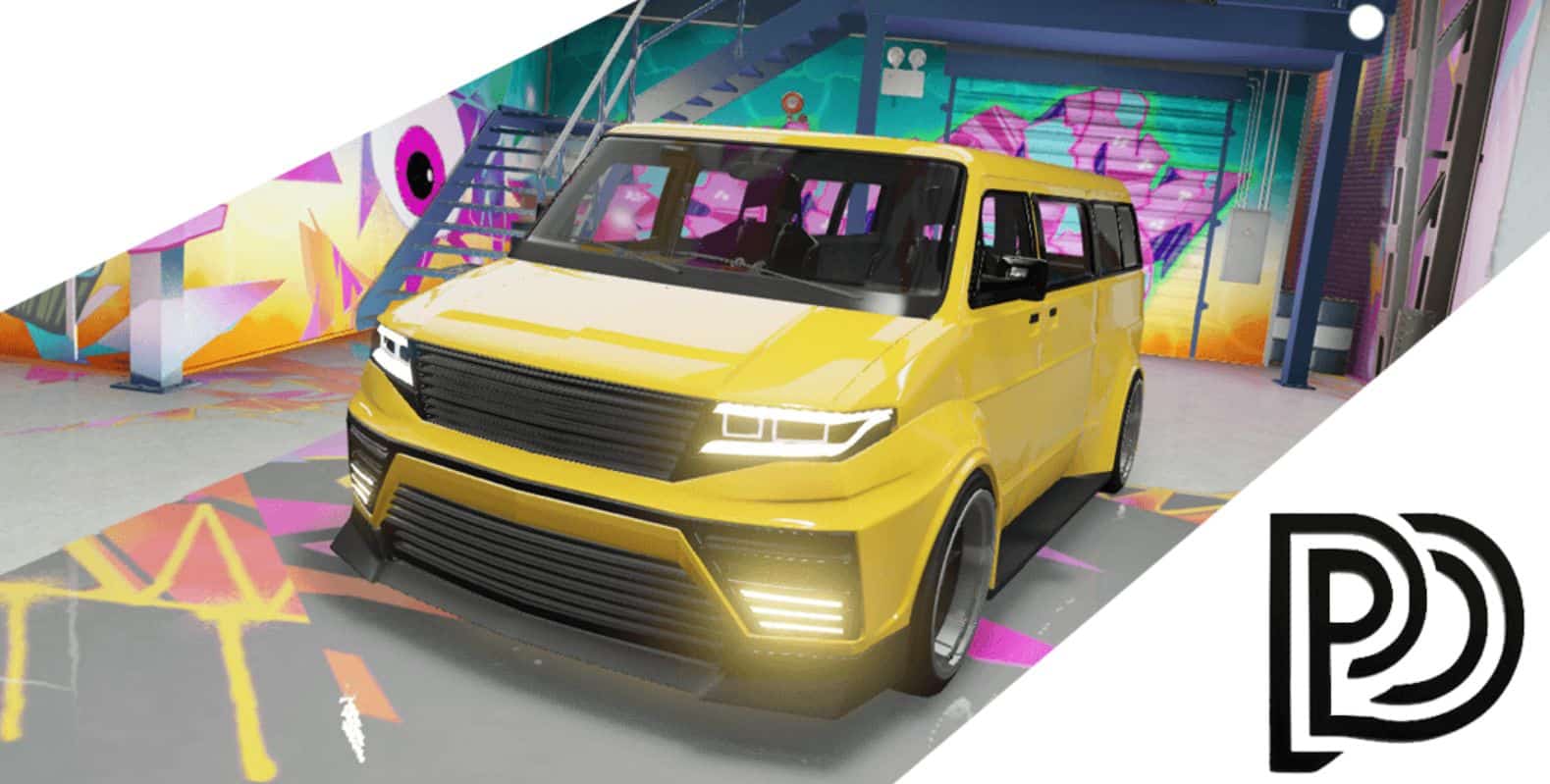
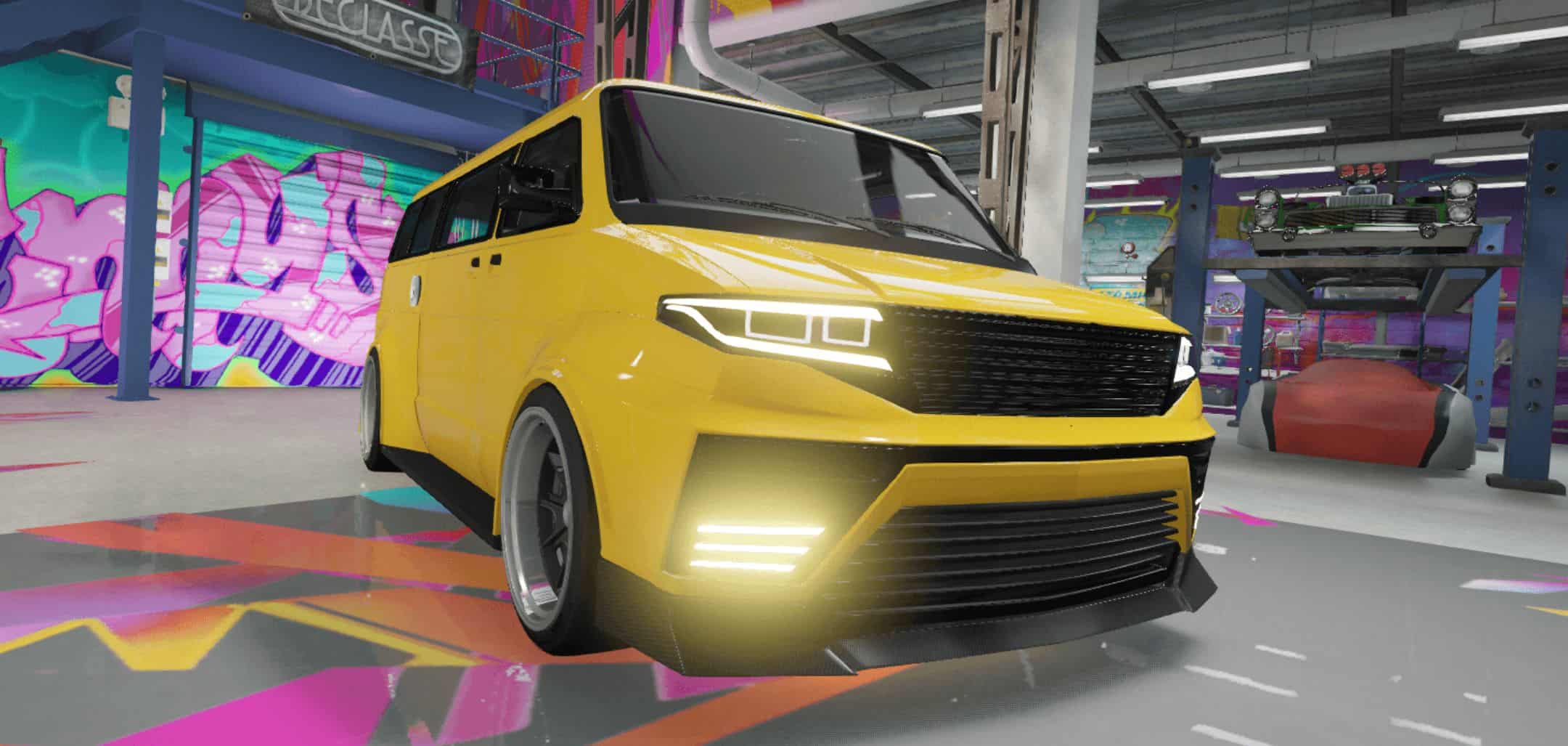
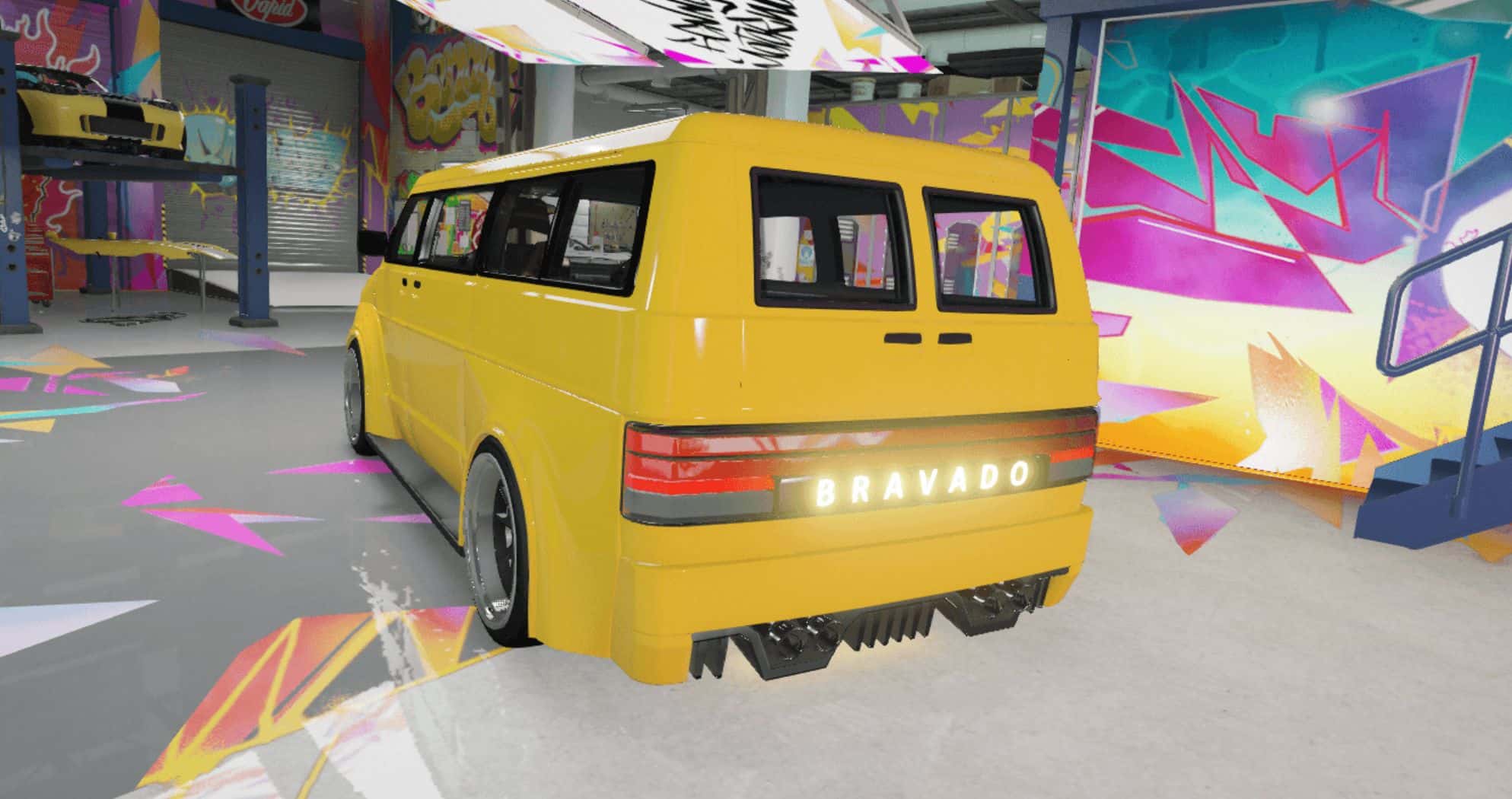
Bravado – Youga PDB Edition V2.0
Features:
High-Quality Exterior with detailed modeling
3D Engine fully rendered
Hands on Steering Wheel properly aligned
Fully Functional Lights (headlights, taillights, indicators)
Realistic Dirtmap for added immersion
Customizable Paint Options:
Paint 1: Body (primary)
Paint 2: Body (secondary)
Paint 4: Rims
Installation
Go to mods/update/x64/dlcpacks/, create a new folder named bypdbe, and place the provided dlc.rpf inside.
Extract dlclist.xml from mods/update/update.rpf/common/data/ to your desktop with OpenIV.
Open it with a text editor and add the following line at the bottom:
dlcpacks:\bypdbe\
Import the edited dlclist.xml back into the same path using OpenIV.
Launch the game and spawn the vehicle with any trainer.
Spawn Name: bypdbe