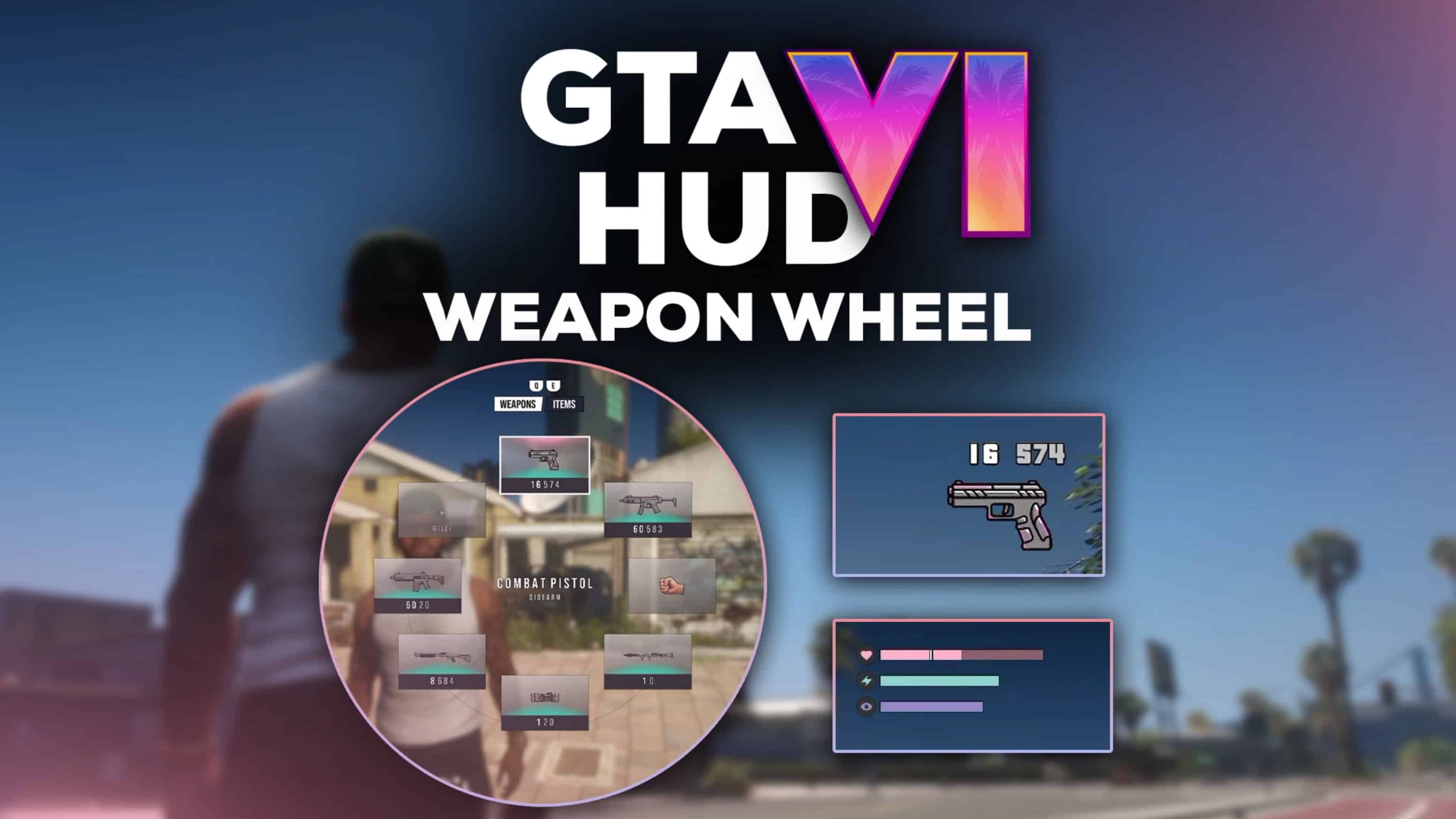
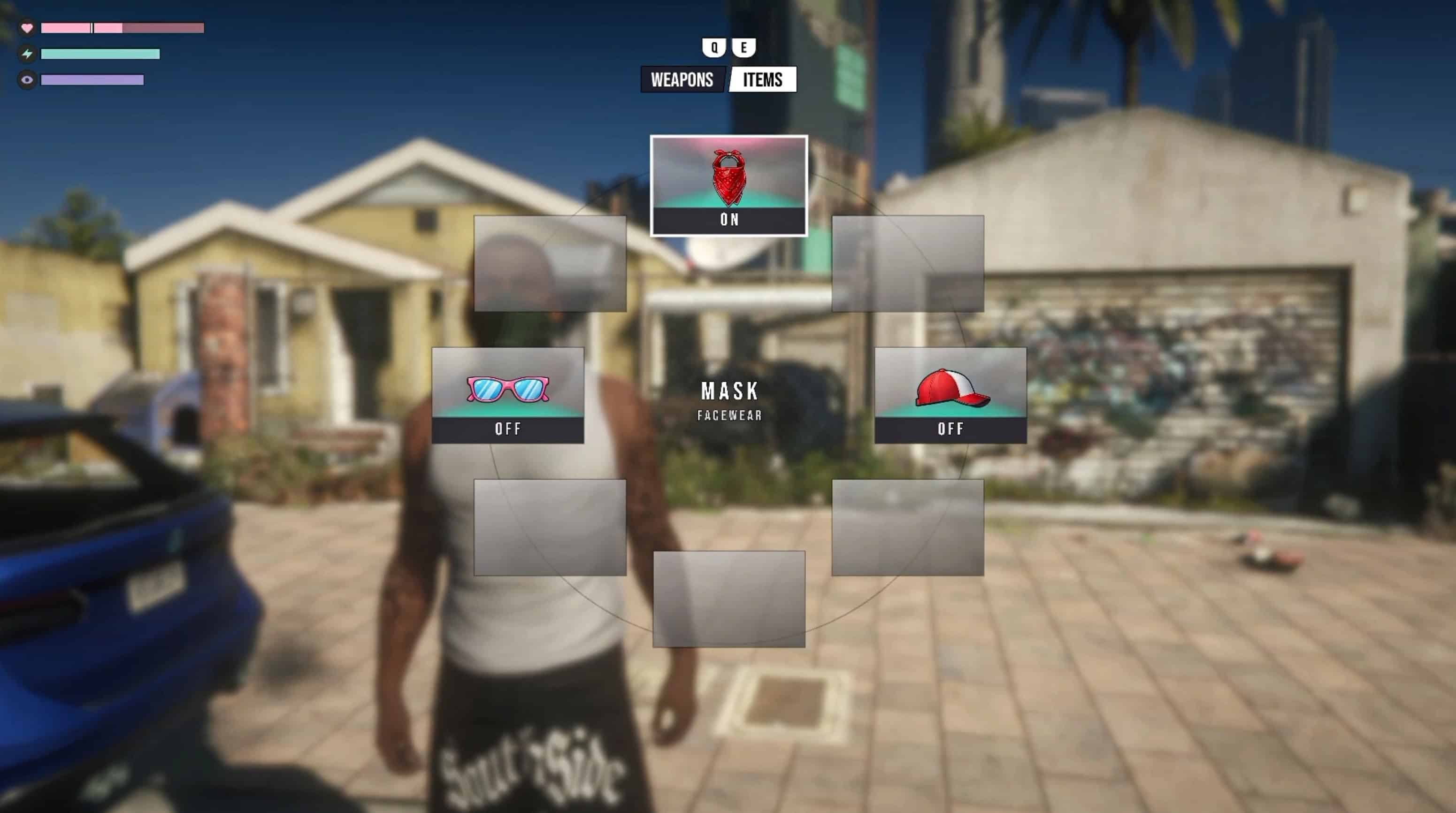
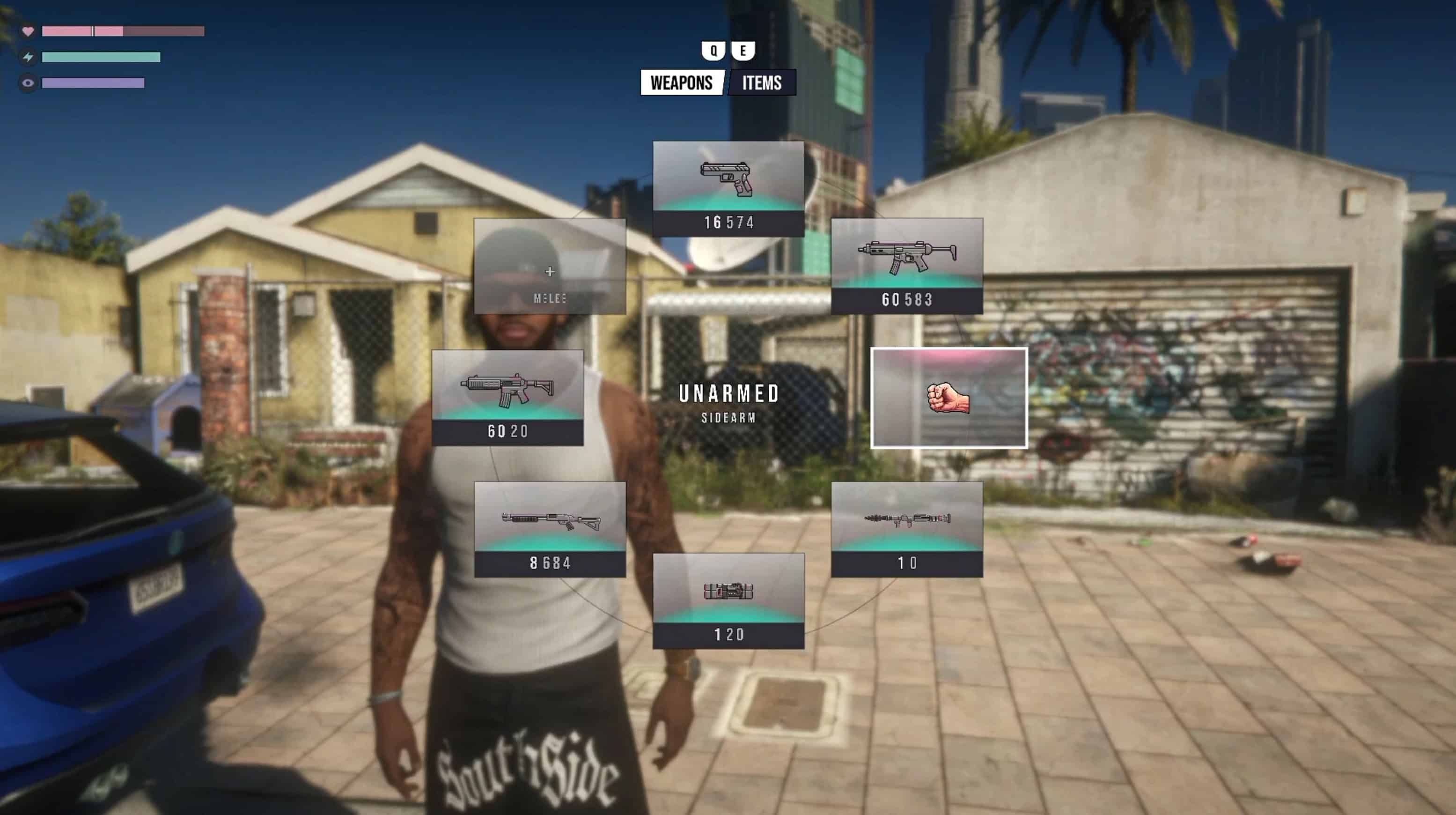
A GTA VI-inspired weapon interface package for GTA V Enhanced and GTA V Legacy.
Update – v2.0
Compatibility: Built and tested for GTA V Enhanced. Legacy has not been tested, but it may also work.
V2.0 Is a major update to the original GTA VI Weapon Wheel & HUD mod.
[V2 Features]
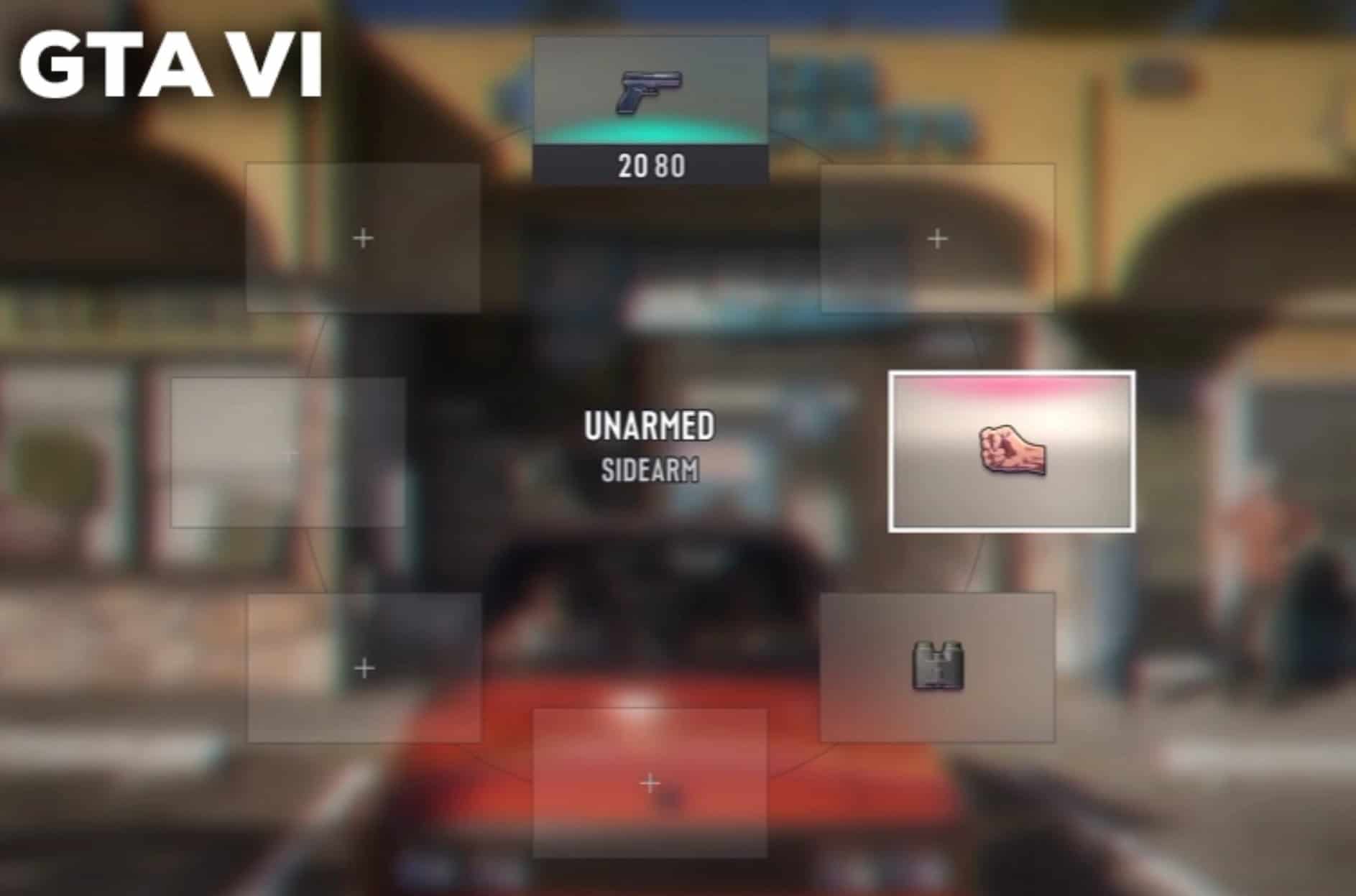
– GTA VI-style Weapon Wheel
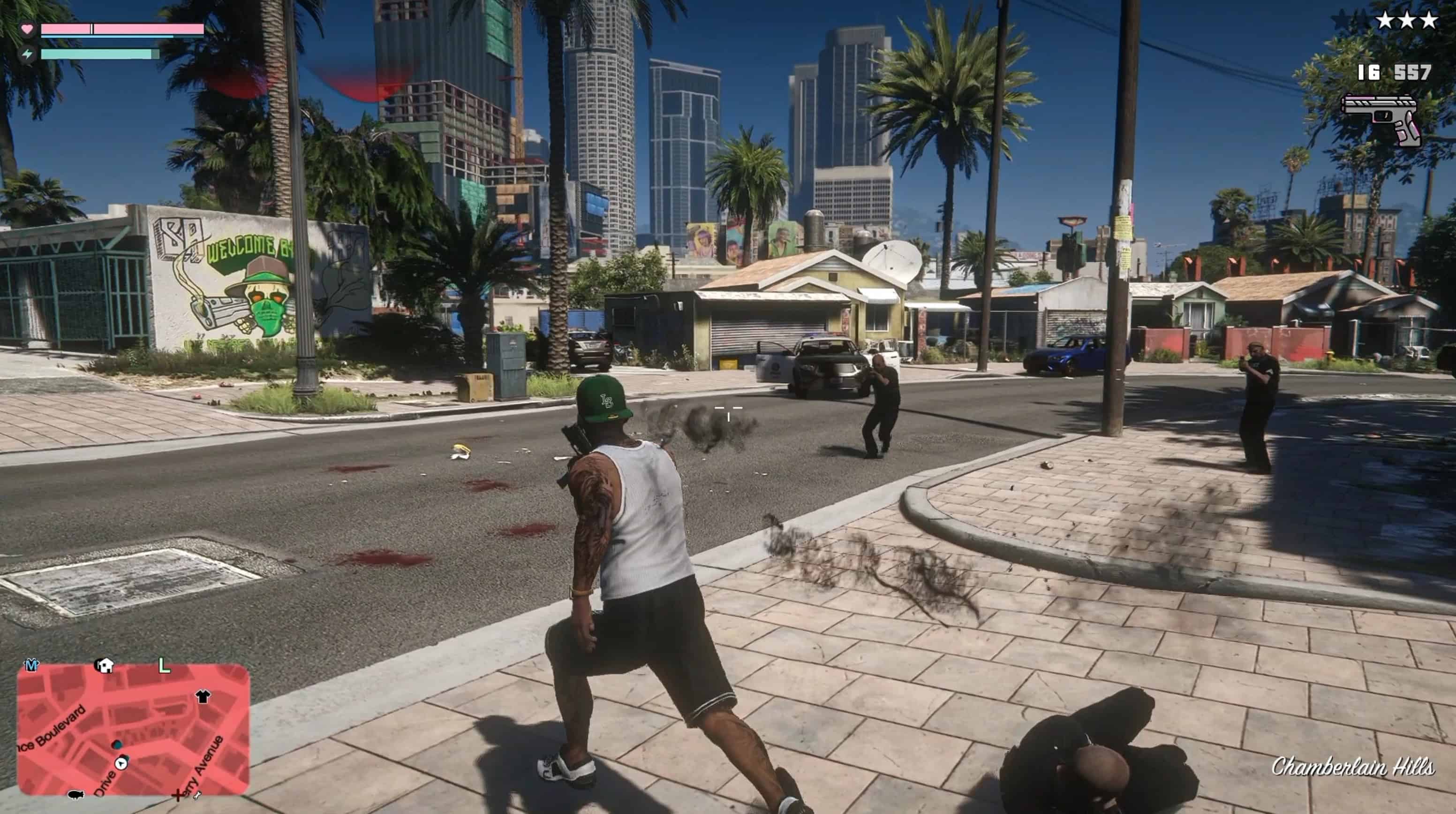
– GTA VI-style Weapon HUD
– New Dynamic Player HUD
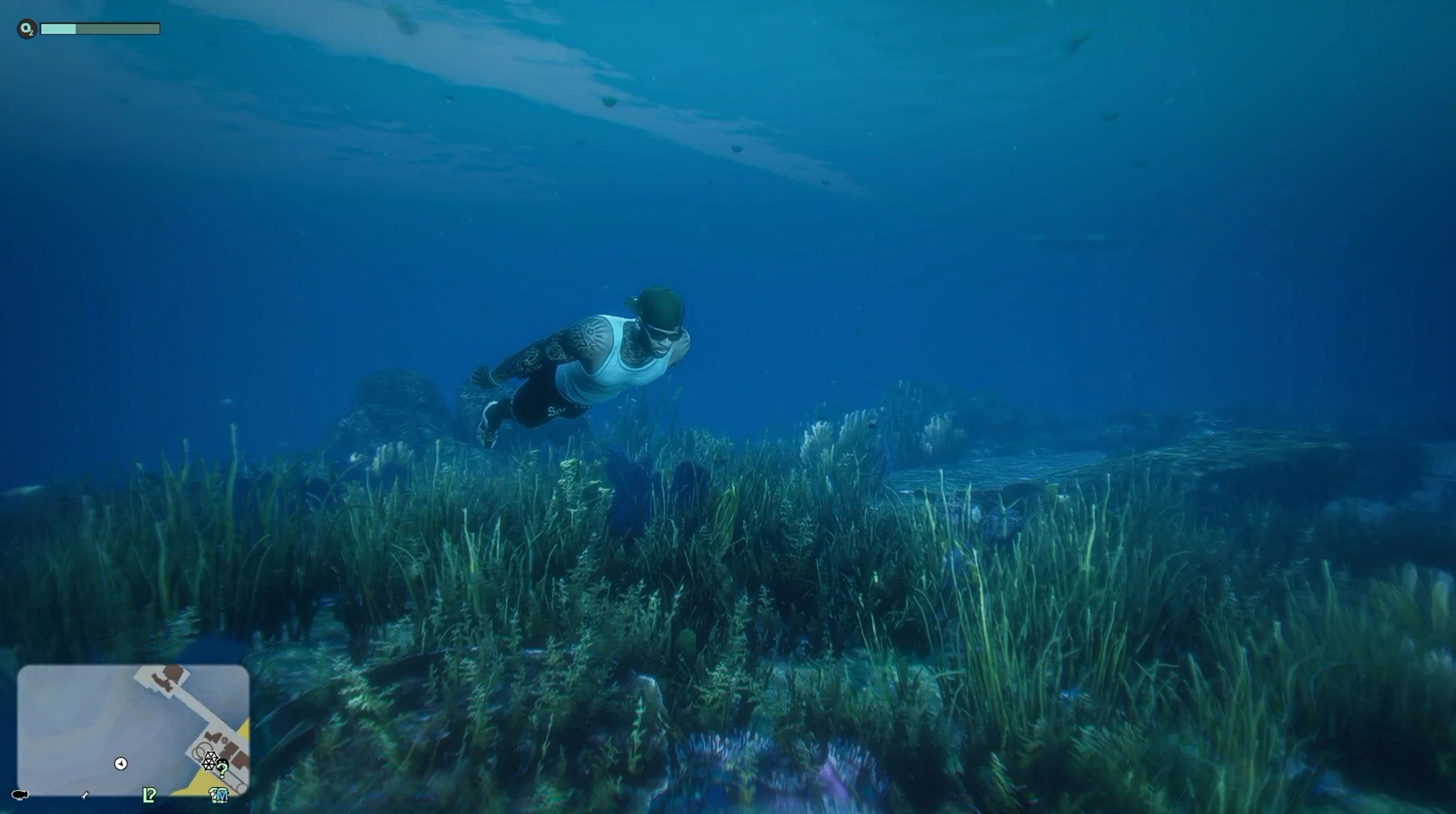
– Health, Armor, Stamina and Oxygen bars
– Weapons / Items tabs
– Functional Hat, Glasses and Mask system
– Custom weapon icons and UI assets
– Improved slot layout, ammo display and HUD positioning
– Story character support for Franklin, Michael and Trevor
– BOLO compatibility with my GTA VI Lock Pick System
[Controls]
TAB — Open Weapon Wheel
Q — Weapons
E — Items
[Installation]
– If you are updating from V1, remove the old Weapon Wheel / Weapon HUD files first.
– Extract the ZIP into your GTA V Enhanced main directory.
[Requirements]
– ScriptHookV
– ScriptHookVDotNet
[Notes]
– Single Player only
– The minimap shown in screenshots is not included
Update – v1.1
– Updated GTA VI Weapon HUD.
– Weapon HUD now automatically hides during cutscenes and scripted/cinematic camera scenes.
– Fixed the HUD remaining visible in the pause menu and warning screens, including the Alt+F4 quit confirmation.
– Weapon Selector is unchanged.
[Known Issues]
The following weapon icons are currently missing:
– Fertilizer Can
– Fire Extinguisher
– Hazardous Jerry Can
This mod combines two separate systems in one package:
– GTA VI Weapon Selector
– GTA VI Weapon HUD
Both parts are included separately inside the archive and can be installed together for the full experience.
[Features]
GTA VI-inspired weapon selector
GTA VI-style weapon HUD
8 weapon category slots
Per-category weapon memory
Mouse and controller support
Slow-motion weapon selection
Background blur effect
RAGE Multiplayer Wiki icon integration
Weapon icons automatically mirrored to face left
Custom ammo display
Custom font and HUD styling
Automatic icon caching
[Requirements]
Grand Theft Auto V Enhanced
– ScriptHookV
– ScriptHookVDotNet compatible with GTA V Enhanced
Grand Theft Auto V Legacy
– ScriptHookV
– Community ScriptHookVDotNet
Internet connection is required only when a weapon icon is downloaded for the first time.
[Installation]
1) Open 01 – GTA VI Weapon Selector
2) Copy the included scripts folder into your GTA V main directory
3) Open 02 – GTA VI Weapon HUD
4) Copy its scripts folder into the same GTA V main directory
5) Merge folders when prompted
Weapon icons are downloaded from the RAGE Multiplayer Wiki when needed and cached locally after the first download.