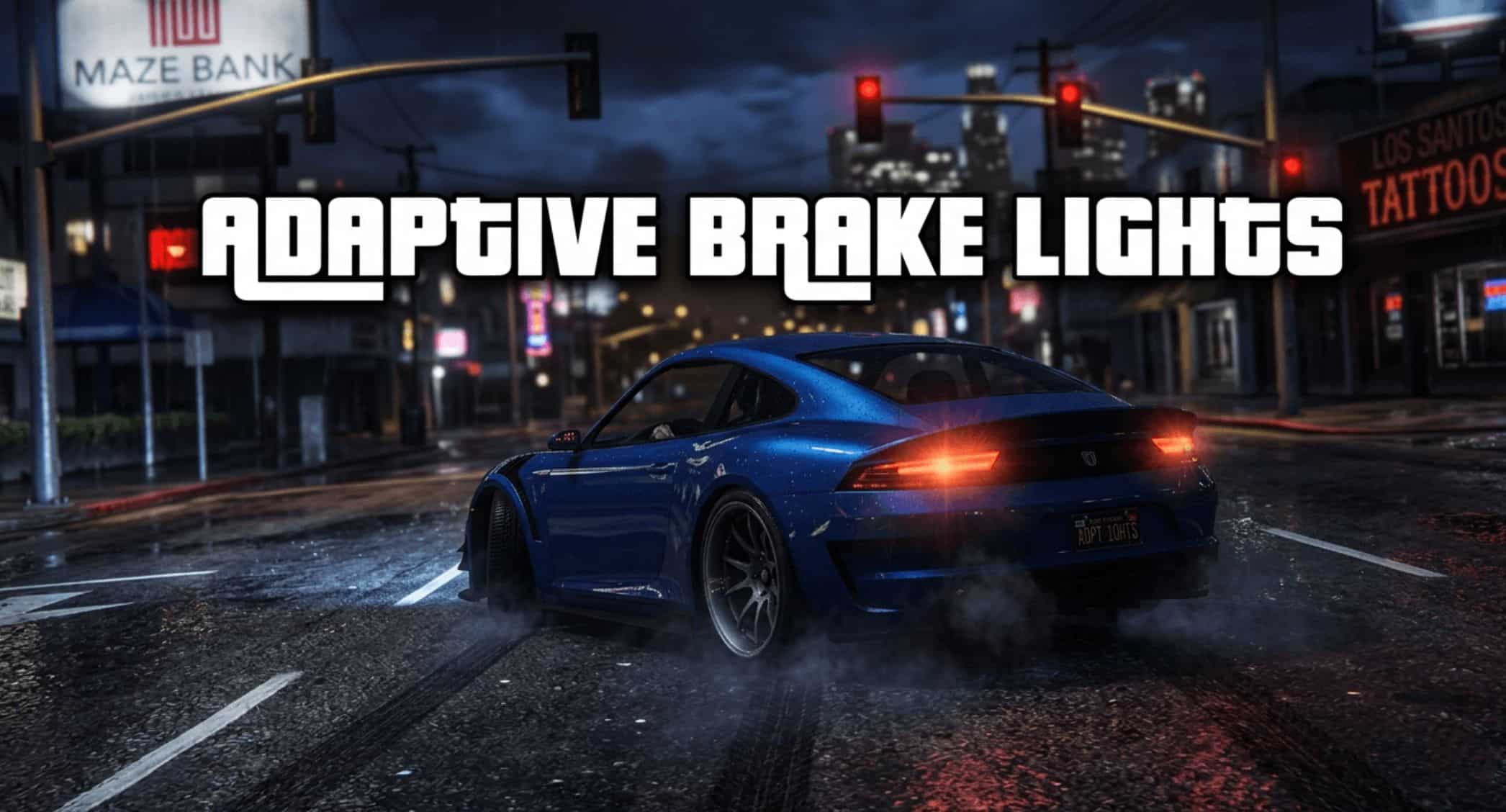
This small script adds adaptive brake lights to your game world.
What are adaptive brake lights?:
Adaptive brake lights are designed to make it clear when a vehicle is slamming on the brakes or braking hard. A G-sensor detects the braking force, causing the brake lights to flash about 5 times per second.
In-Game Functionality:
As soon as you’re driving your car on the beautiful streets of Los Santos and press the “S+Space” key combination to brake, this feature is triggered. The script is compatible with all ground vehicles.
Installation:
Place the “AdaptiveBraking.dll” file in your Scripts folder within your GTA main directory.
IMPORTANT!!!
For this script to work at all, you need ScripthookV by Alexander Blade.
You also need “ScriptHookVDotNet”—the script runs on the basis of “ScriptHookVDotNet3.dll”—so add all the .dll files to your GTA main directory.
Done!
New in Version 1.1:
In the first version, the speed at which the brake lights flashed depended on the FPS.
In other words: low FPS = brake lights flash more slowly.
High FPS: flashing frequency as programmed.
I’ve now improved this system. It no longer runs on ticks, but on milliseconds. This way, the flashing frequency is the same everywhere—whether you have lower FPS because you’re in the middle of Los Santos or Vinewood Hills, or high FPS because you’re currently driving outside the city.


![GTA VI Weapon Wheel & HUD [Enhanced & Legacy] 2.0](https://www.gta5modhub.com/wp-content/uploads/2026/10/GTA-VI-Weapon-Wheel-HUD-Enhanced-Legacy-2-1-520x245.jpg)