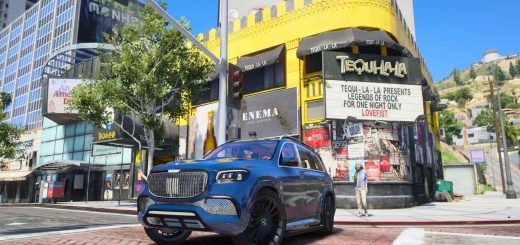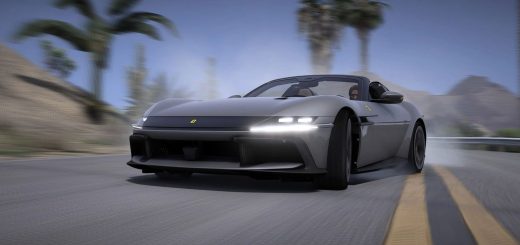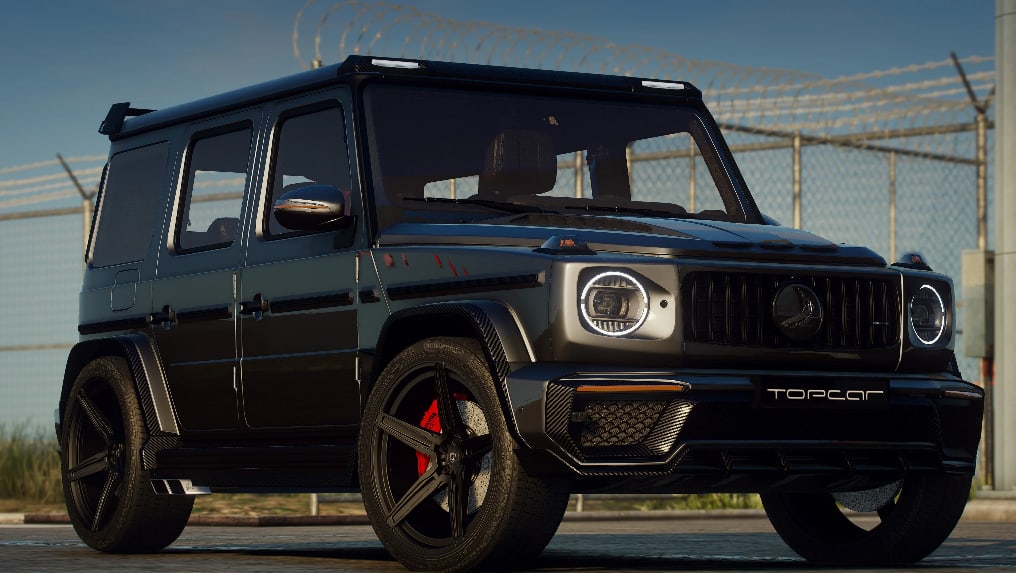
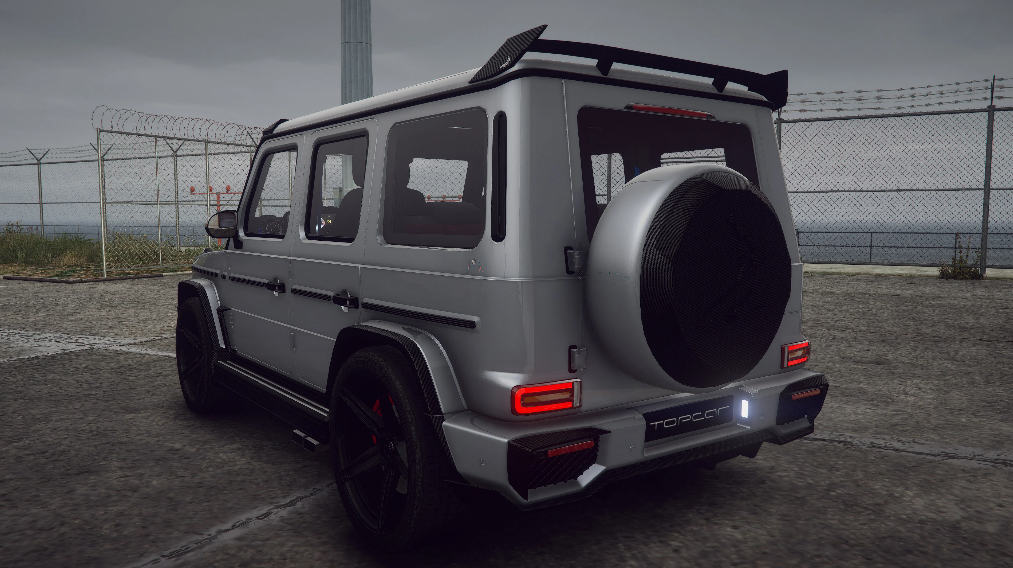
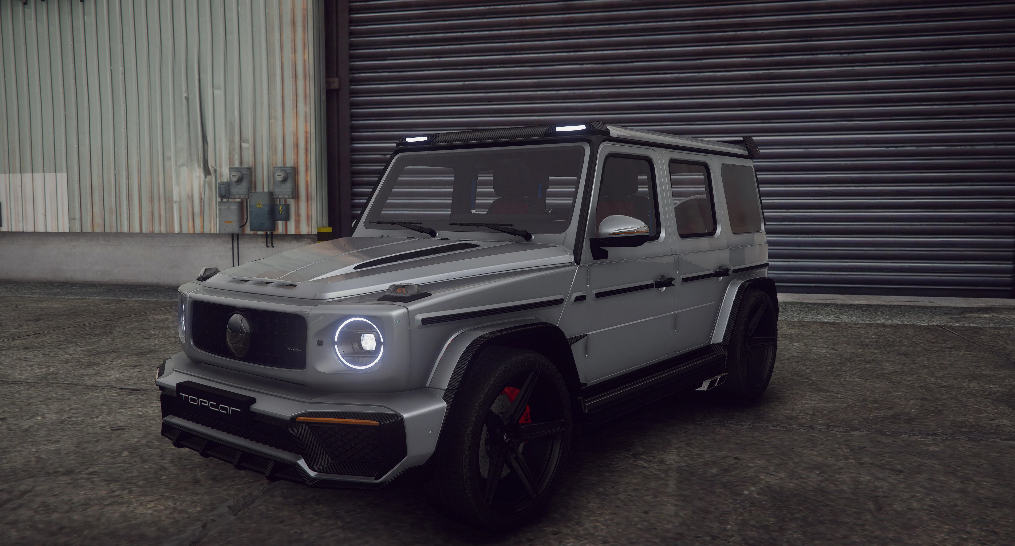
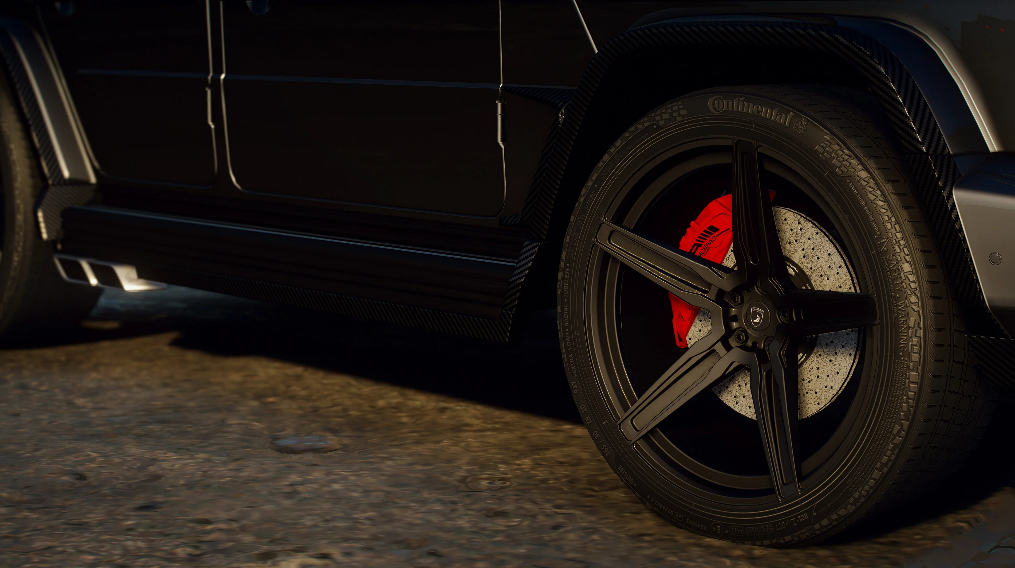
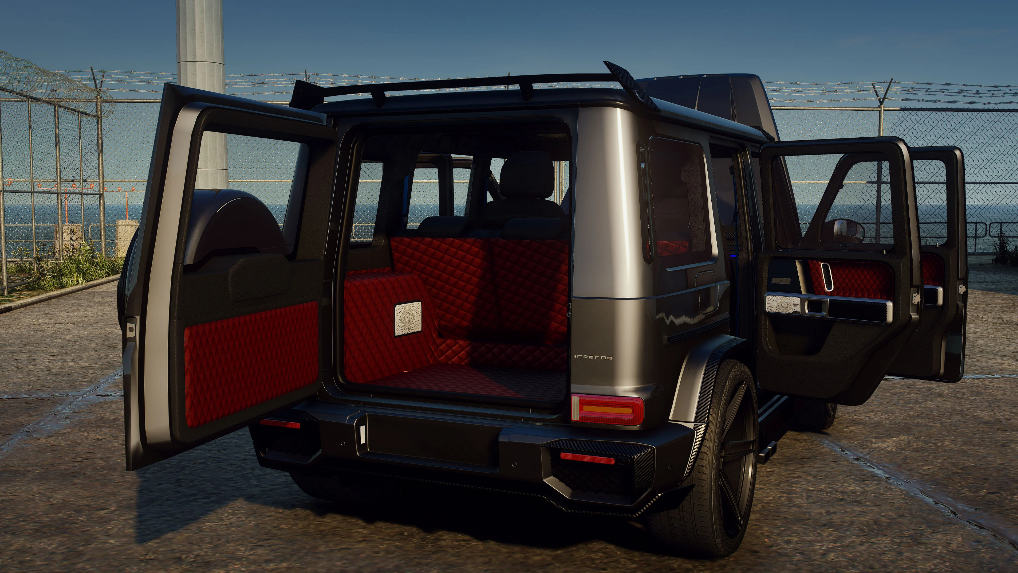
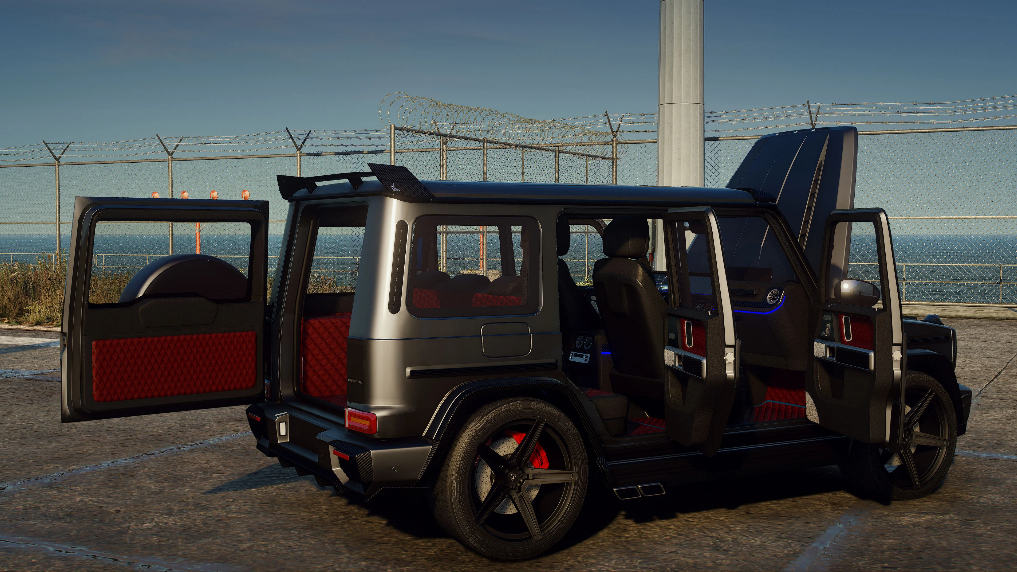
Features:
– HQ exterior, Interior , HQ engine & boot
– HQ mirror reflections
– Working dials
– All lights functioning properly
– Breakable glass and lights
– Hands on steering wheel
Version 1.0
– Release
Installation
1. Go to update/update.rpf/common/data,
Find dlclist.xml,
Right click and select Edit
Add this line in Paths section
dlcpacks:\g63topcar\
press save
2. Make a folder named ” g63topcar ” , in update/x64/dlcpacks
drag and drop inside the dlc.rpf from the file you downloaded.
3. Start the game, spawnname: g63topcar
4.Go!