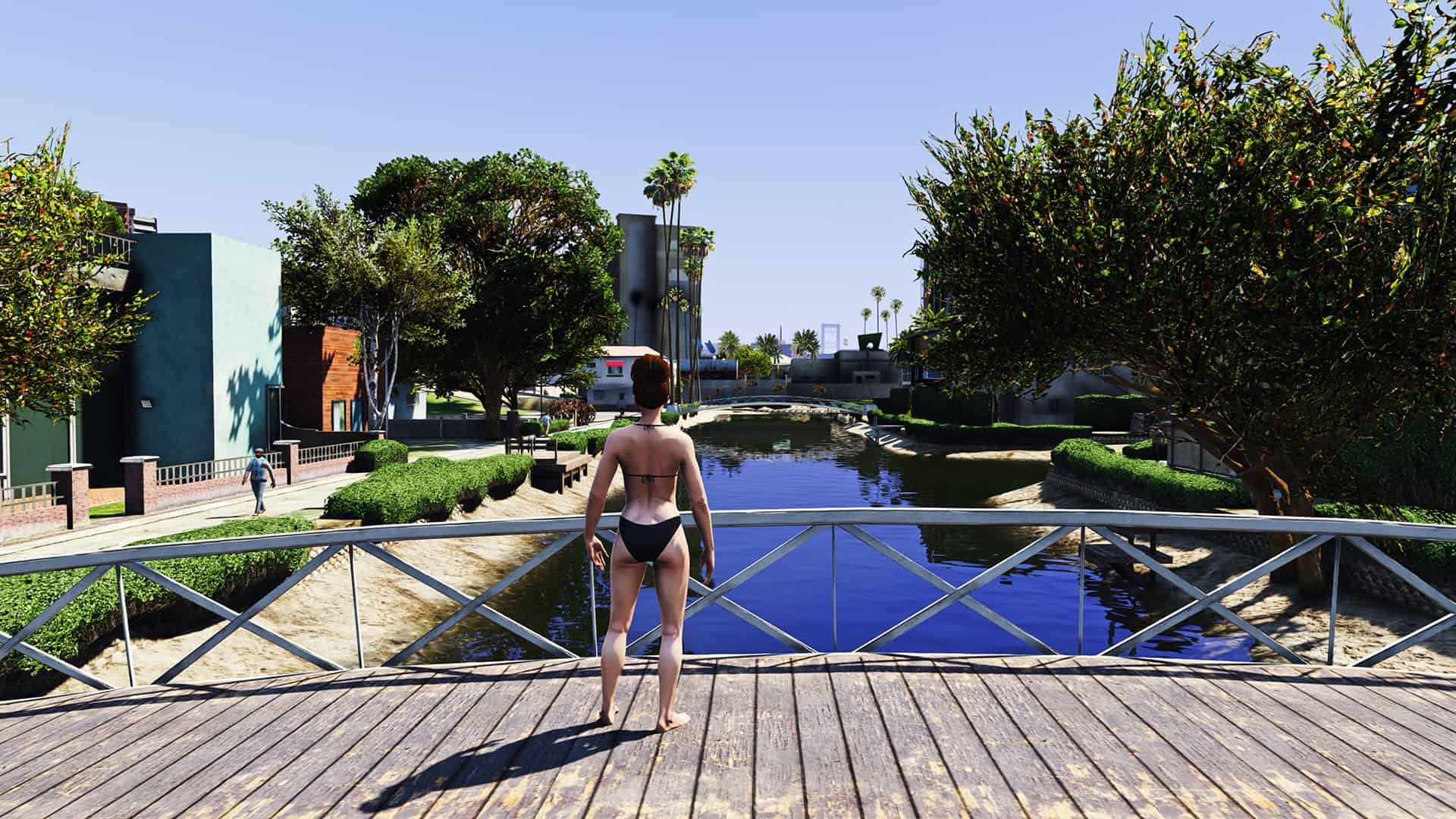
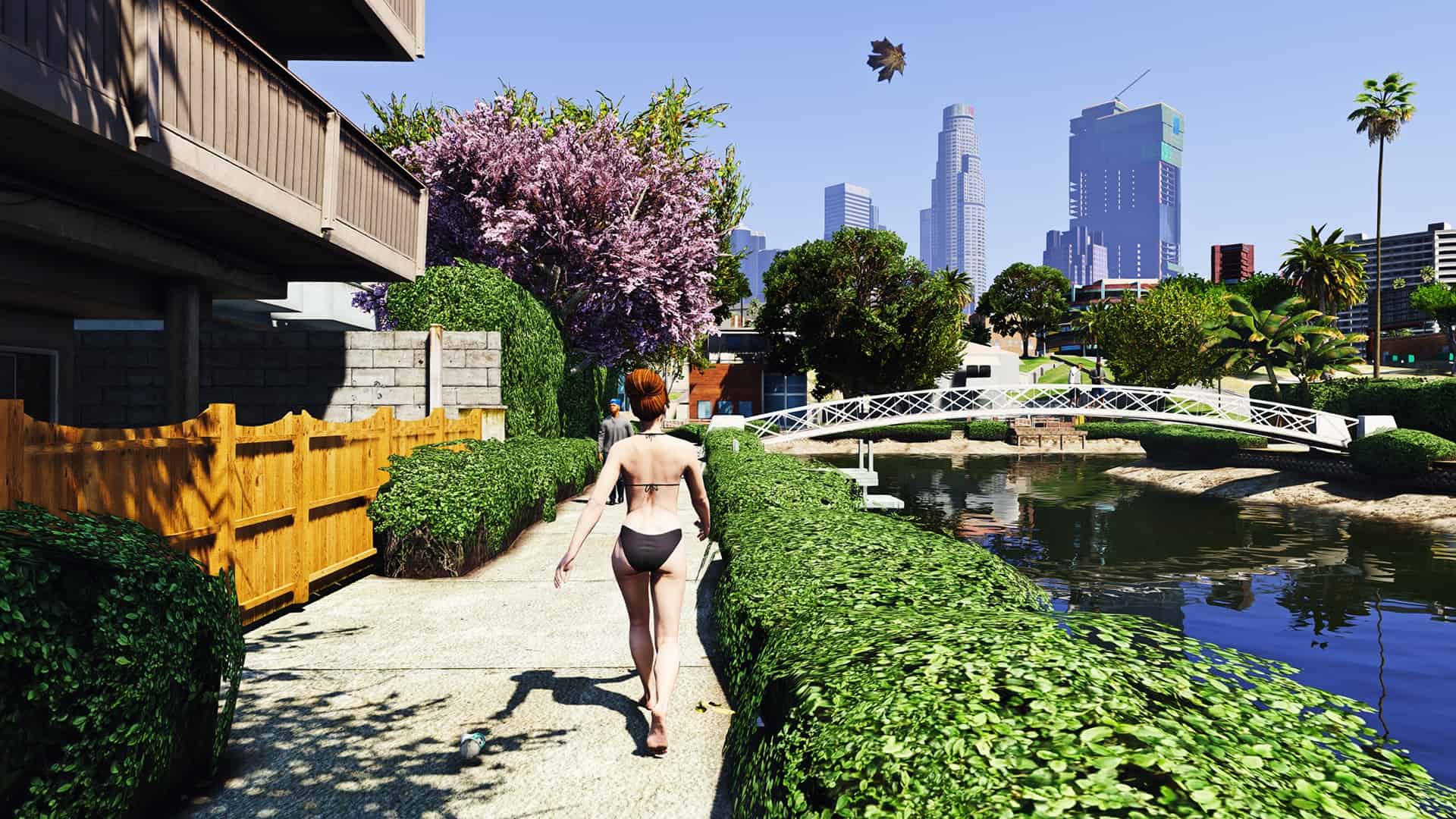
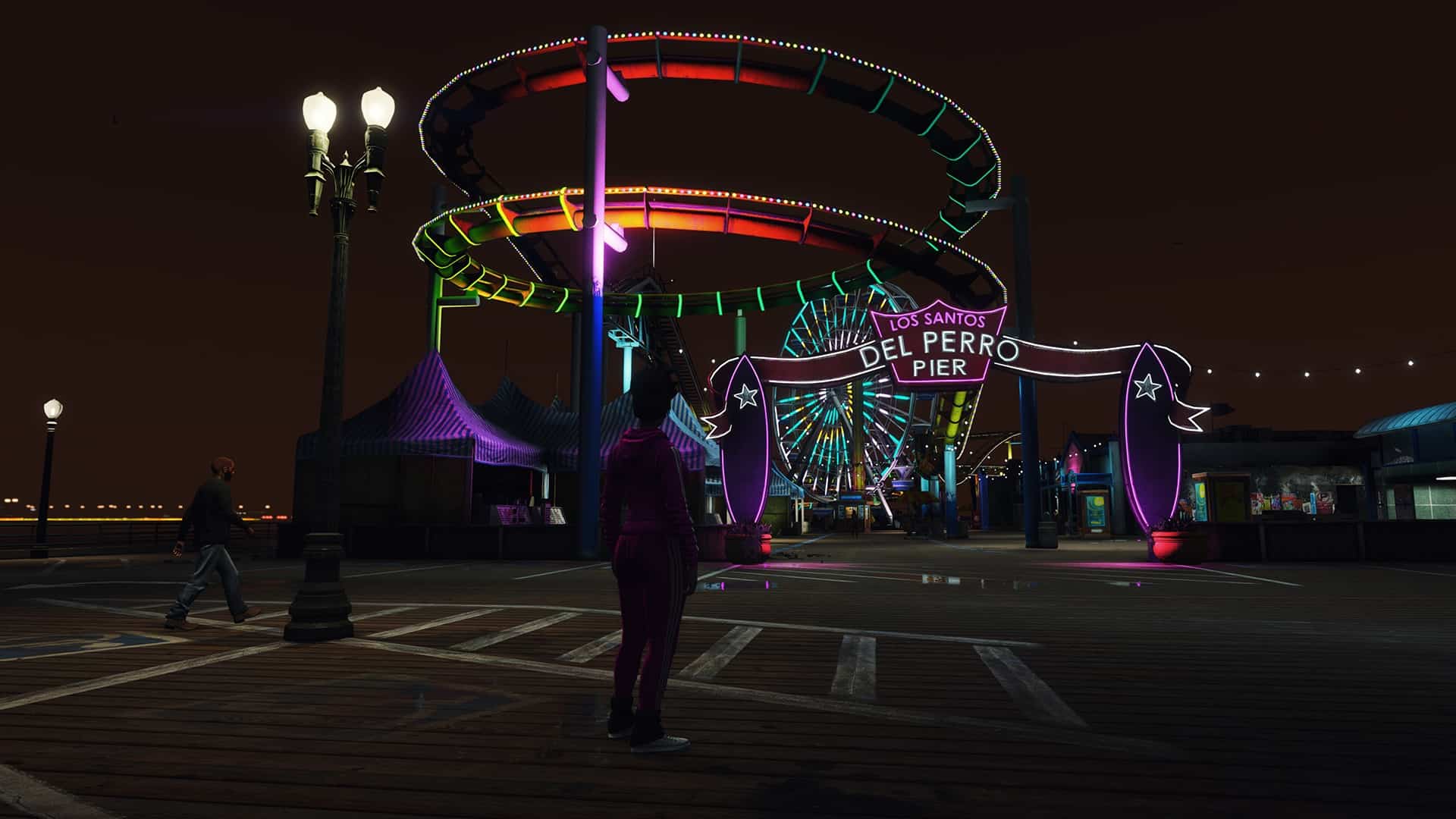

RealV Graphics by RkrdM
I use this graphics mod for Reshade with the mod NVR and VisualV.
—How to Install—
1. Install Reshade.
2. Copy “RealV.ini” to gta mainfolder.
3. After complete all steps launch the game, in game press “Home”, reshade menu will opens, then press continue -> continue -> continue -> finish, then click to DefaultPreset, the list will come out and select “RealV”.
Have fun!
PLEASE DON’T TRY AND USE THIS ONLINE, IM NOT RESPONSIBLE IF YOU GET BANNED, USE AT YOUR OWN RISK! OFFLINE ONLY!!


![GTA VI Combat Camera [Enhanced] 1.0](https://www.gta5modhub.com/wp-content/uploads/2026/10/GTA-VI-Combat-Camera-Enhanced-1-1-520x245.jpg)