NativeUI Library v1.9.1
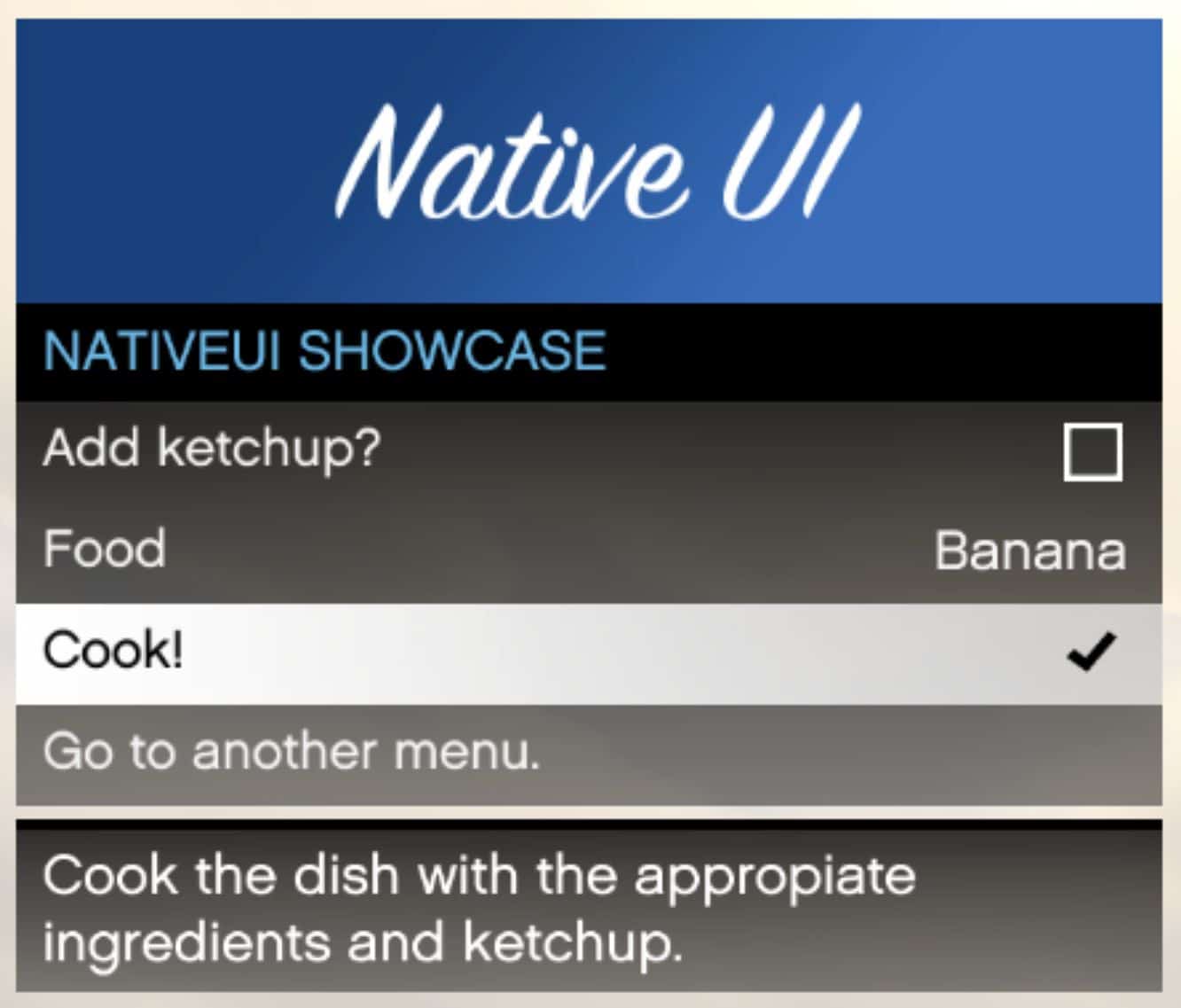
ScriptHookVDotNet based library for easy and fast Rockstar-like menus.
Features:
– Support for simple buttons, checkboxes and lists.
– Support for custom banners from game sprites and your own textures.
– Easy nested menus for fast and painless nested menu system.
– Controller support.
– Mouse controls.
– Custom instructional buttons.
– Support for all screen resolutions.
– Item descriptions.
– Rebindable keys and controls.
– Badges to decorate your items.
– Event-based callbacks.
Installation:
After installing ScriptHookVDotNet, copy NativeUI.dll to your scripts/ folder.
Usage:
Add NativeUI.dll your references in Visual Studio just like you did with ScriptHookDotNet.dll and add “using NativeUI;” to the top of your script.
You can read the documentation at the wiki.