
This still works for FiveM!
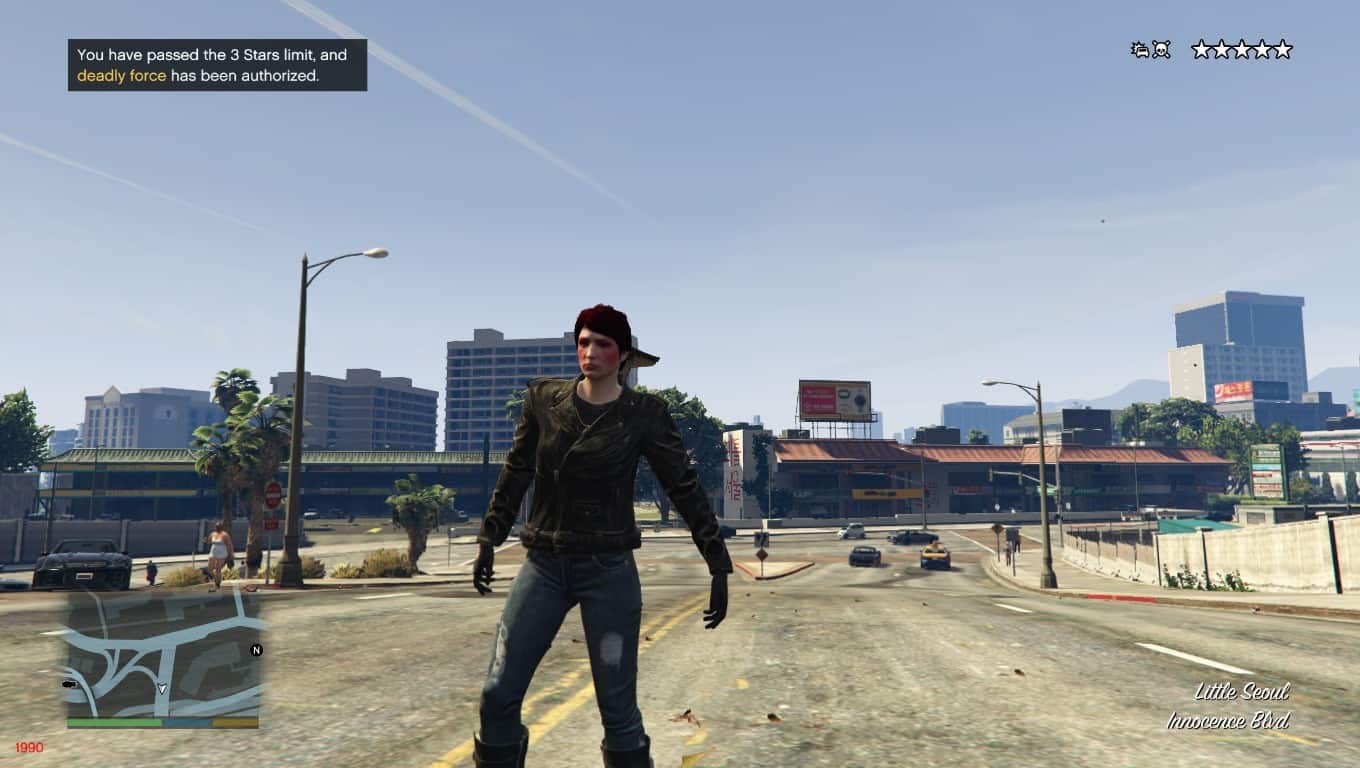
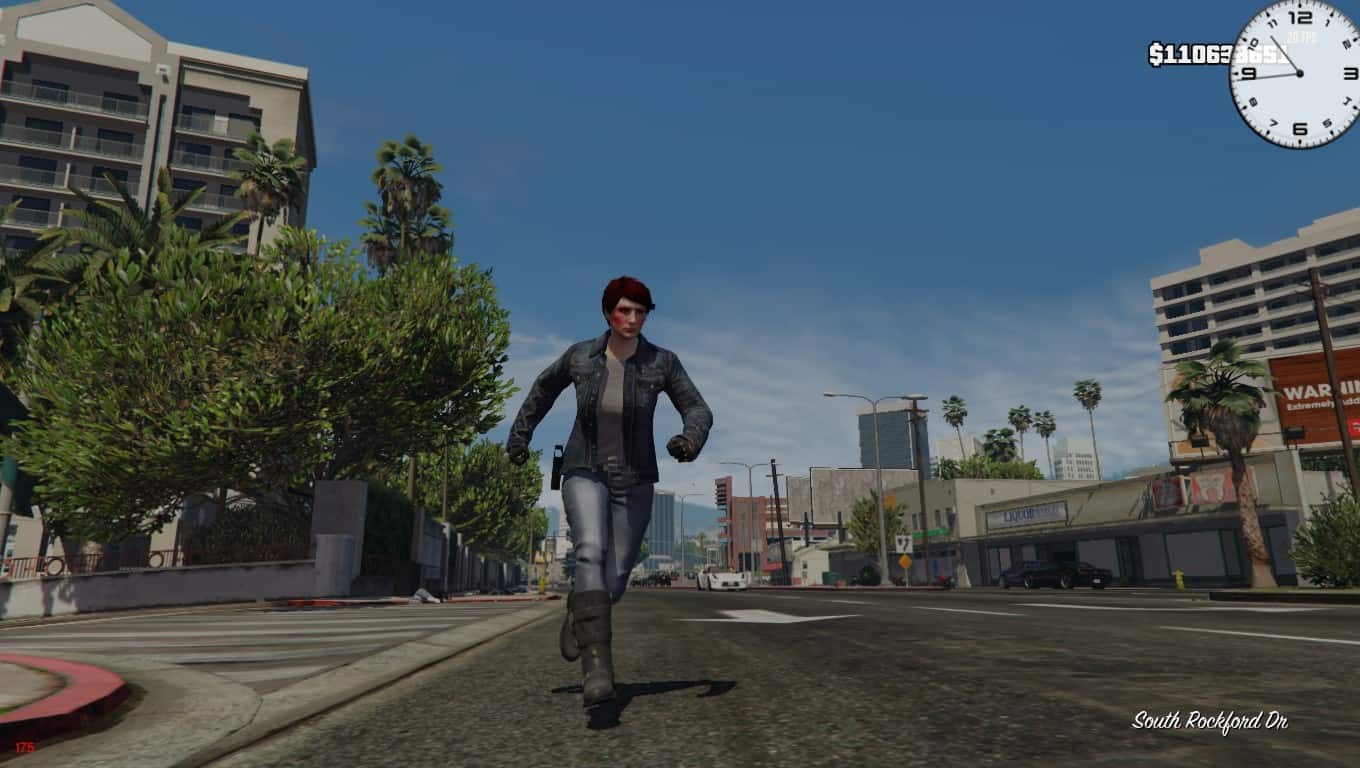
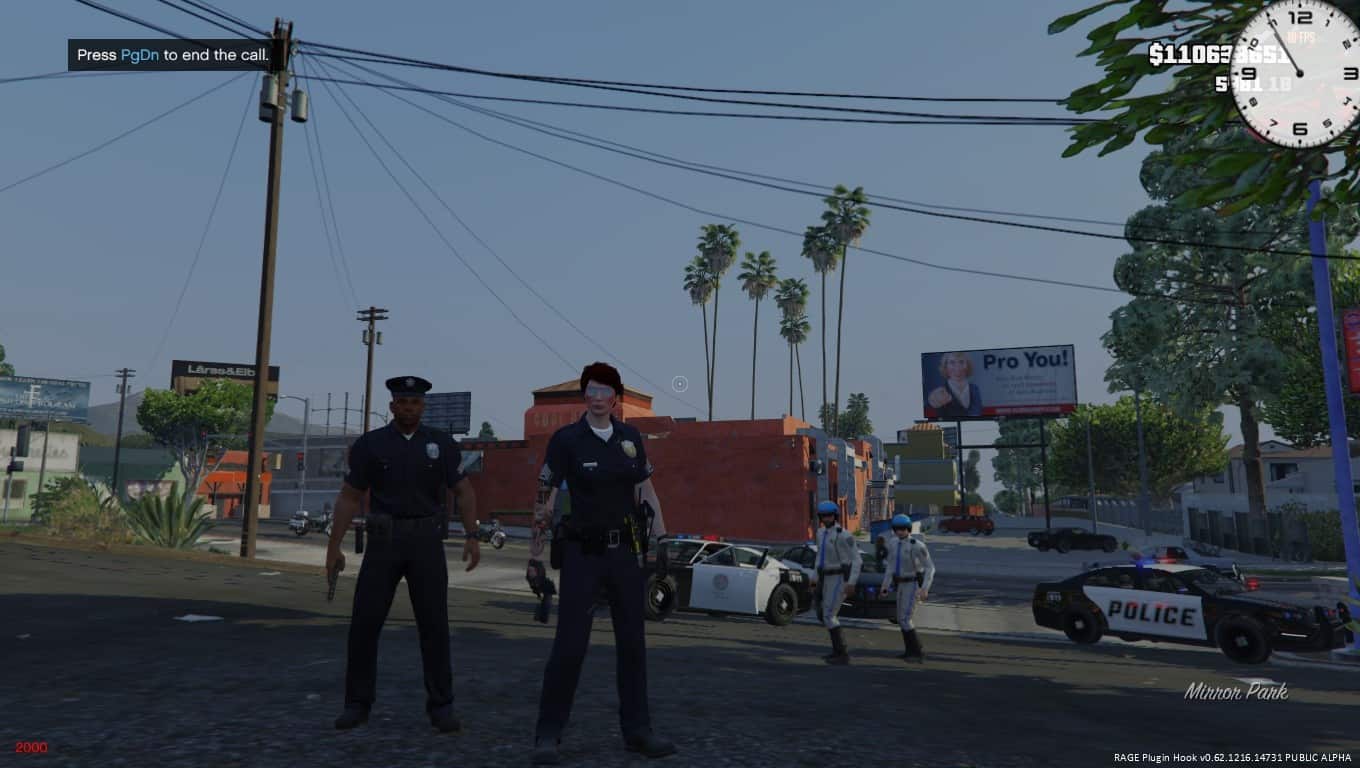
(The screenshots were intentionally placed to show how the weapons look as that’s what most people are likely curious about.)
[To install: Just follow the folder paths inside the mod. If your somehow still REALLY confused on how to install go to the bottom.]
Changes the multiplayer freemode characters to use the protagonists animations. Why did I do this? Because i’m weird and REALLY hate the default animations. Why not use a trainer and change the walk style? Because it doesn’t change ALL of the animations. And if you use something like the stance mod this will save your walk style.
[Includes an optional file to use pistol animations.]
Do the stealth animations [Working on]
Attempt to stop the character from using the female enter
vehicle animations. [Testing]
Make this fully customizable: So far is going great. :3
Attempt to make the install easier via OpenIV Package file(s)
1.1: Fixed so the character uses his animations without the need of a trainer to “change walk style”.
1.2: Added Trevor’s pistol animations to the file… mod probably should’ve come with it…. Report errors and recommendations. K lov ya bye.
1.3: Fixed blending animations for 2 handed weapons.
1.4: Added compatibility with FiveM and changed vehicle entering animations.
1.5: Added Franklin as a configuration option, attempting to make the mod more changeable for personal preferences.
1.6: Added Michaels animations, though they may not work as I haven’t tested them myself, made FiveM install have a .txt file explaining how to import your own animations. Hopefully fixed an issue with Trevor’s walk not automatically setting itself. Removed unneeded files from FiveM folder.
1.7: Fixed some of Franklin’s stealth animations, added a FiveM template so those that don’t want those files on their hard drive don’t have them. Added .OIV tests
2.0: Hey im not dead! 😀 Anyway, added more male animations.
2.1: “hot” fixed me being dumb and not putting male stealth anims in (I call it a hot fix but really, its been almost 2 years. lol.)
[If you’re confused on how to install]: Open “OpenIV” and follow the folder paths that way. ONLY install via mods folder or use .OIV files]