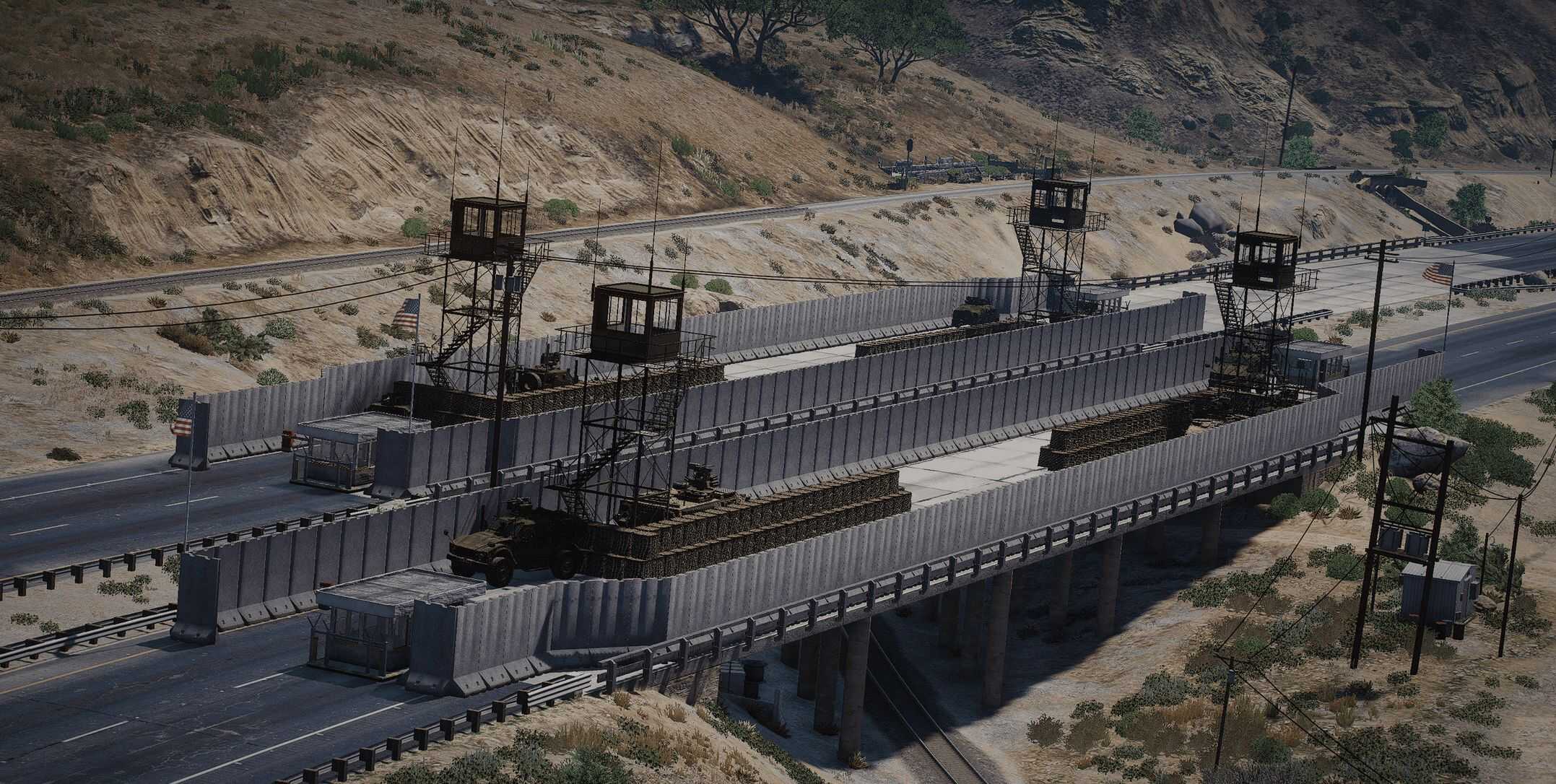
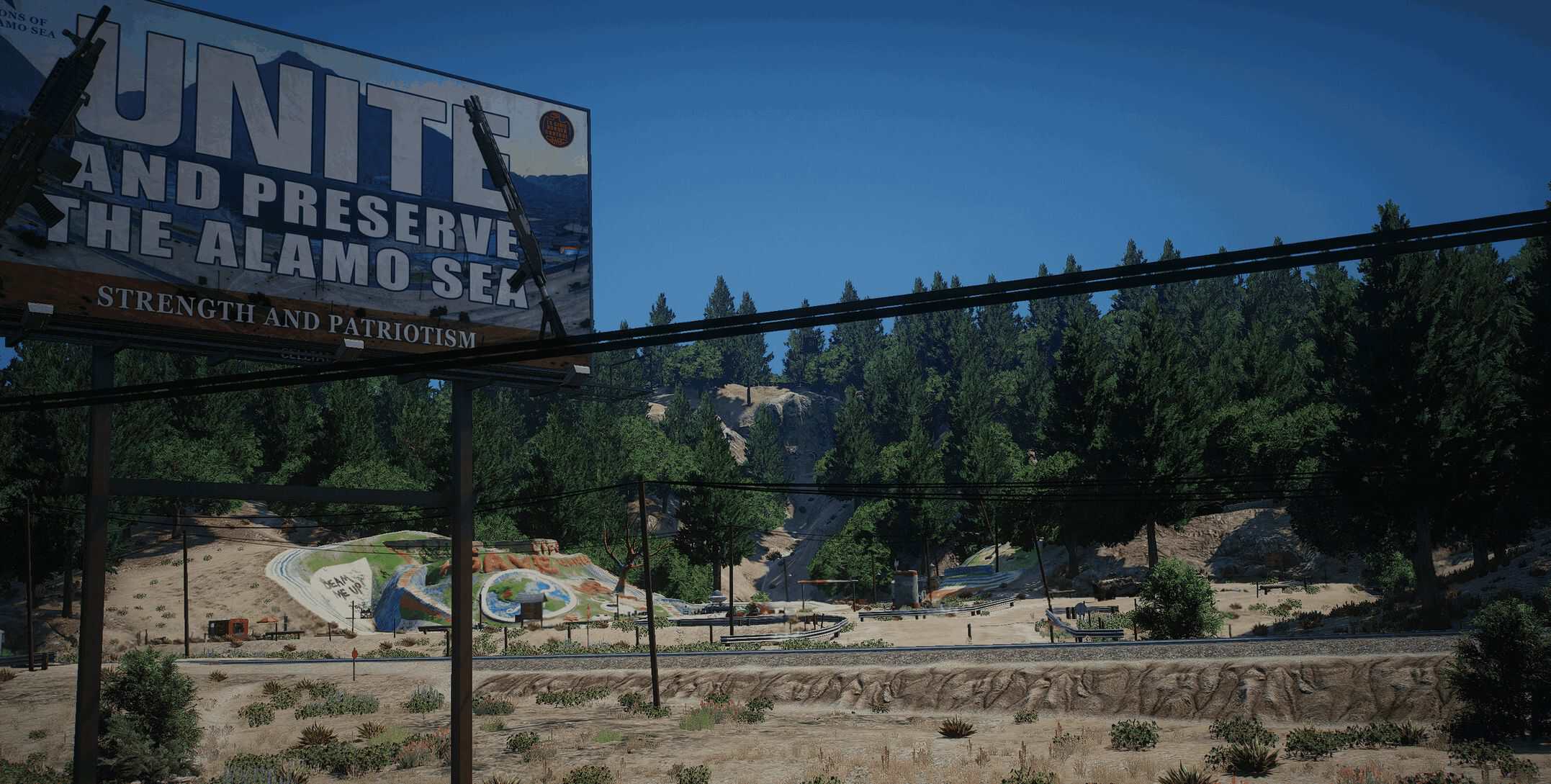
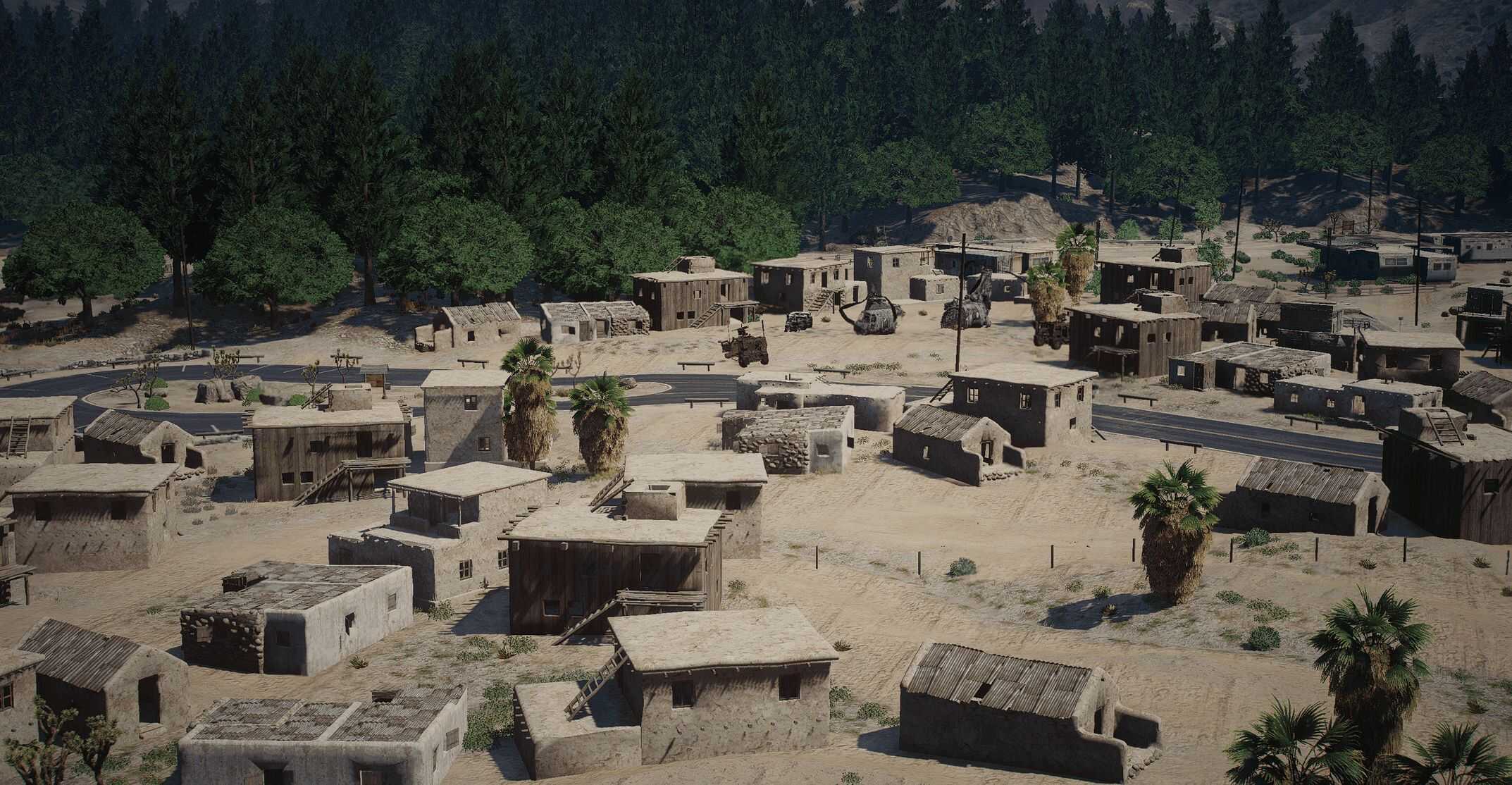
Checkpoint Charlie [YMAP] V1.0
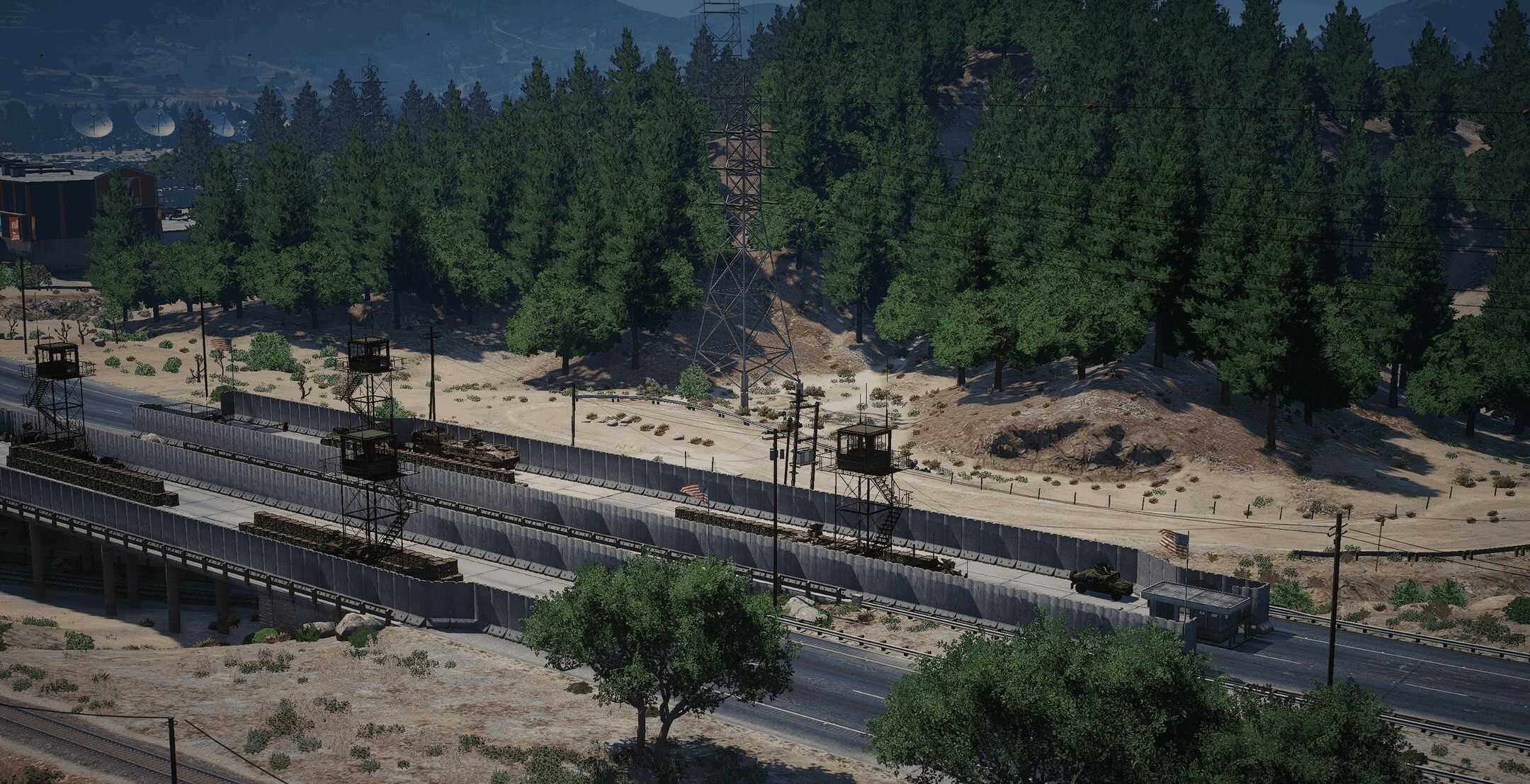
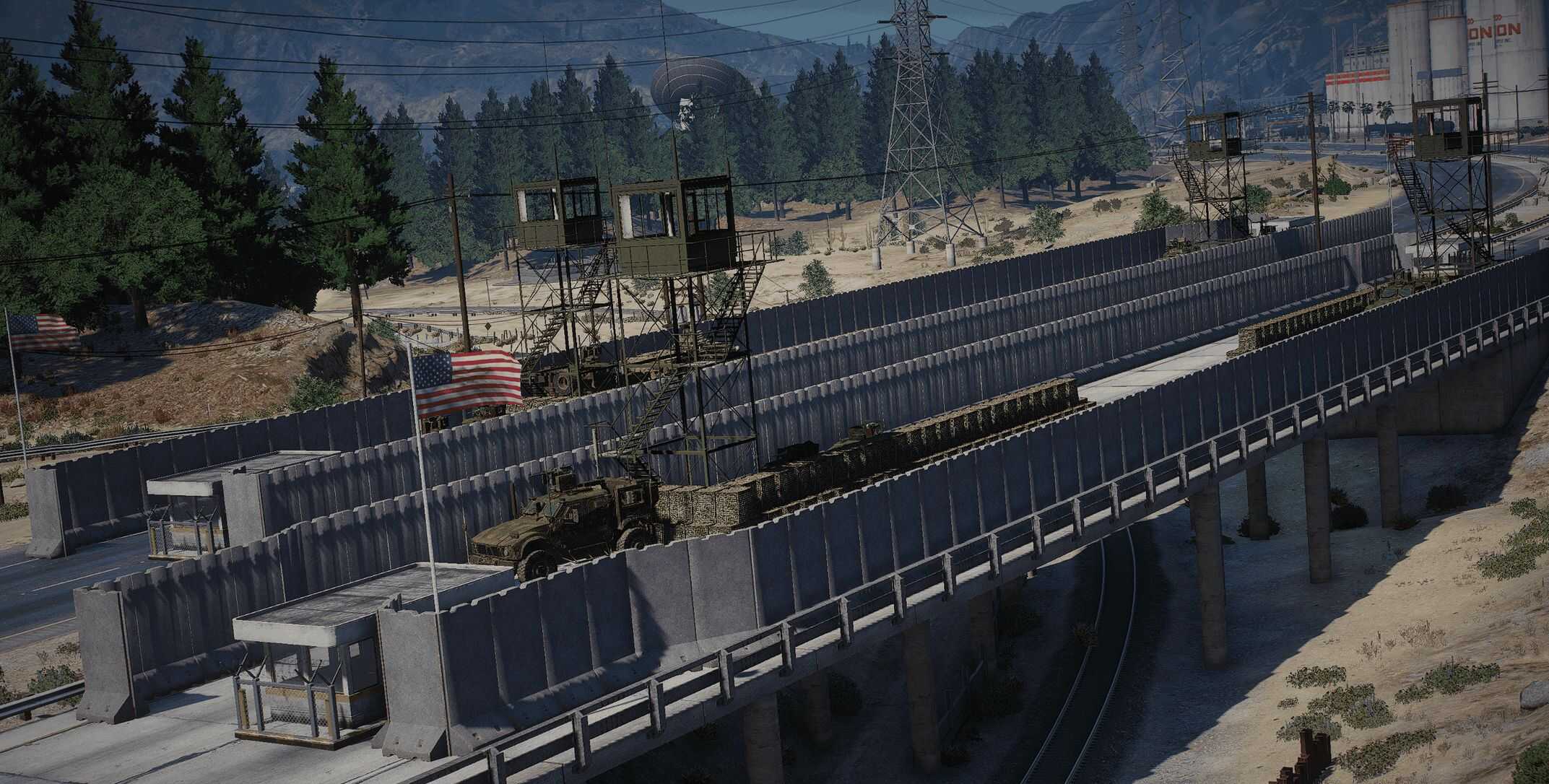
The first checkpoint is here. It’s not very large, but it brings many map changes. The game area around the mountain is now filled with trees and several US and RU convoys, creating a small story.
Important: The map does not work with Merlin’s Afghan Village.
Recommended follow-up maps to expand the area:
– Qadir City
– Outpost Quebec
– Outpost Echo (Homepage)
Installation
Ymap Installation, Drag and drop the file in to your resource,
then open server.cfg and ensure “Checkpoint_Charlie”
Installation single player
1. Extract the YMAP from the folder and set it on your desktop
2. Open OpenIV, install it if you dont have it already
3. [Make sure you go into edit mode!!]
4. Click update> x64> dlcpacks> custom_maps>dlc.rpf> x64> levels> gta5> citye> maps> custom_maps.rpf
5. Then take the YMAP and drag & drop it into OpenIV then its in!