
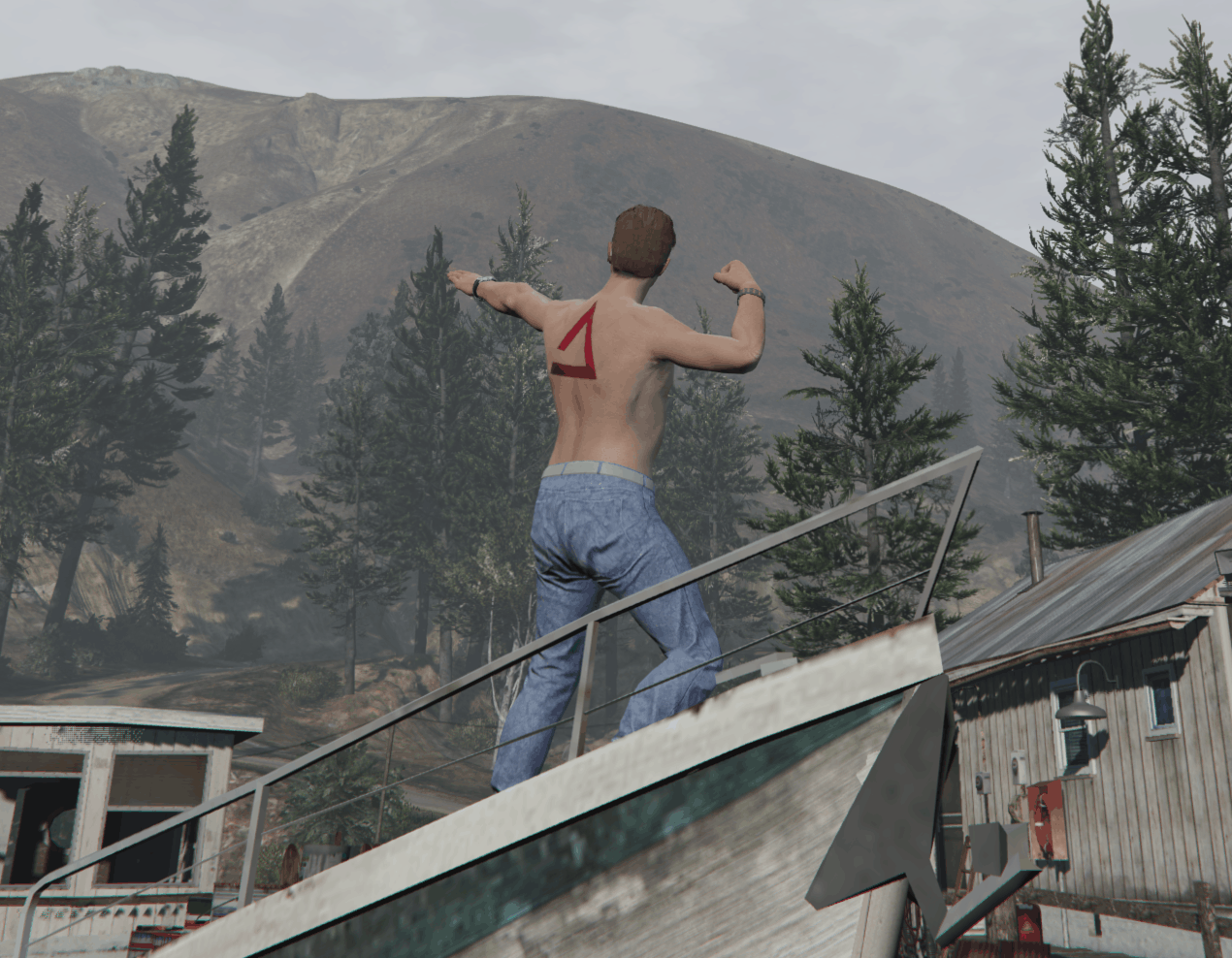

ASA Tattoo For FiveM and SinglePlayer 1.0

GTA 5 Mods |
ASA Tattoo For FiveM and SinglePlayer 1.0


For SinglePlayer = Find the file with same name in GTA V directory and simply replace it.
For FiveM = Extract the .rar file and simply drag “ASATattooByOlympeek” folder into your “server-data>>resources” folder.
In vMenu go to Player Related Options>>MP Ped Customization>>Tattoo. Tattoo number is 129!



Author: OlymPeek
Something not working? Check the comments for helpful advice and share any new issues you discover.


Download


Useful Information: How to install Grand Theft Auto 5 Mods | Grand Theft Auto 5 System Requirements | Grand Theft Auto 5 News

Leave a Reply

Your email address will not be published. Required fields are marked *