Thank you for downloading .
Changelog:-
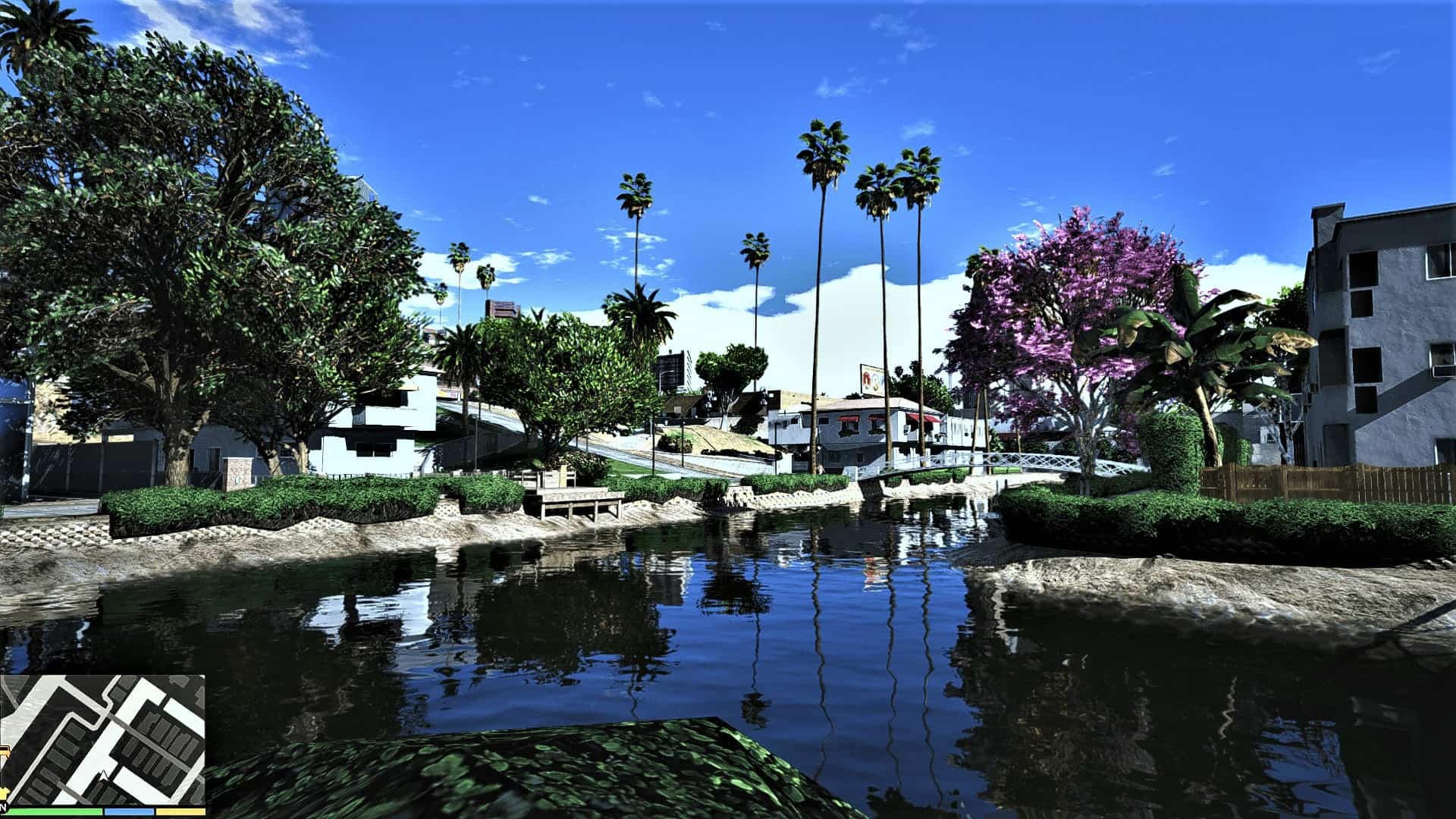
V1.5 – Changed clarity , removed MXAO ,increased Vibrance.
How to install:-
Download and install ReShade installed
Copy and Paste the included file(.ini) in your main game directory
Once the game is loaded , press the home key . Select SEALOP from the drop down menu in the reshade options .
HOW TO MAKE IT MORE REALISTIC . INSTALL THESE :-
TrueVision(NVR&PRSA) 2.4
Raindrop Texture [4K]
Improved Texture Project
Grass Texture Mod
New Road Texture (Highways + Other Areas)
What i have installed to enhance graphics :-
M.V.G.A
VisualV
High-Very High Settings