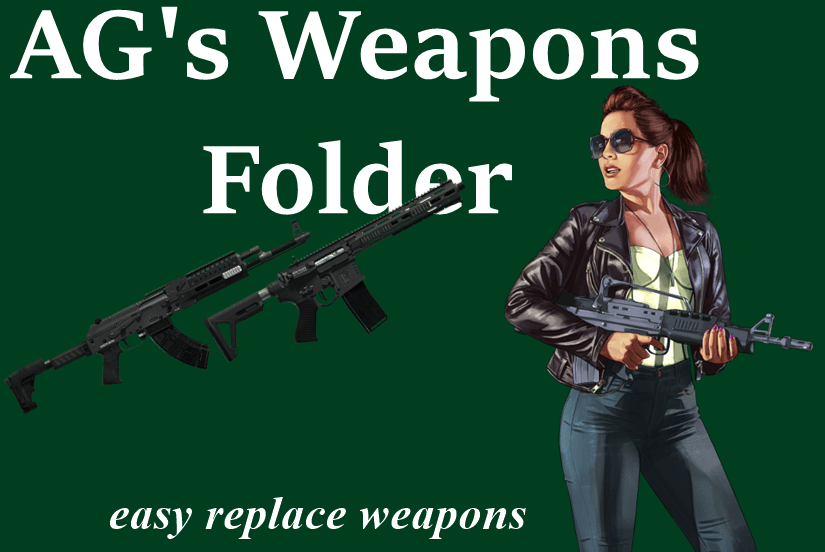
This Folder Will Save More Data Space On Your Hard Drive
you dont needs to copy “patchday8ng” or any paths to mods folder to install a replace weapons
just copy agweapons dlc file to mods\update\x64\dlcpacks then added the line from readme to your dlclist
then download any replace weapon then
drop the files in -> mods\update\x64\dlcpacks\agweapons\dlc.rpf\x64\models\cdimages\weapons.rpf
this replace folder work for any replace weapons