

LifeInvader Business Mod V1.1
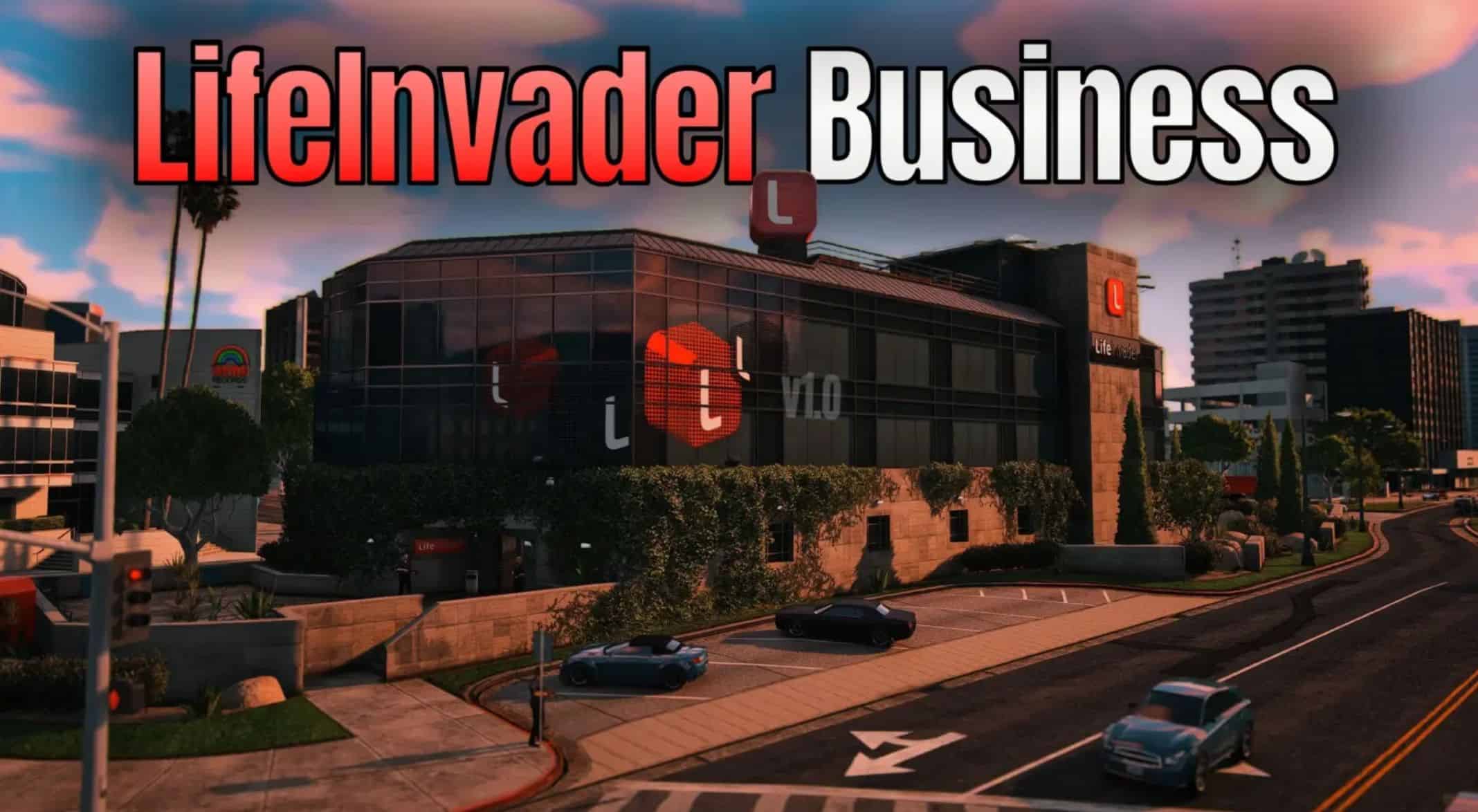
Become the CEO of LifeInvader by purchasing the HQ building for 1 million and run it like a business, including managing employees, servers, and security, earning passive income every in-game day!
Main Features
– Buying the Business
– Buy the LifeInvader building the location on the map to become CEO.
– A marker and map blip guide you to the property for purchase.
Earning Passive Income
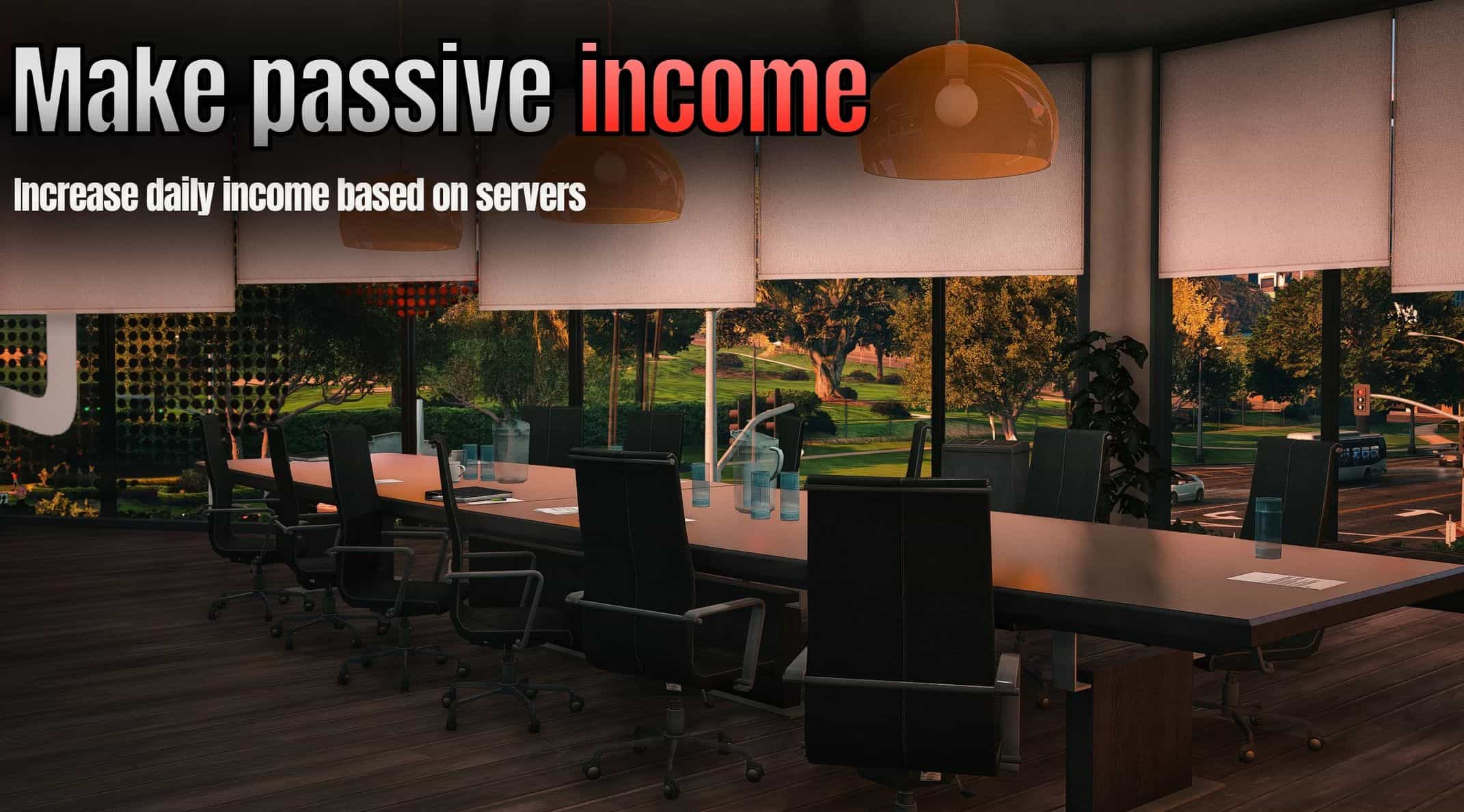
– Once owned, you automatically earn passive income every day.
– Base Income: 10,000/day
– Income can increase based on server upgrades and employee performance, modifiable in the menu
Employee Management
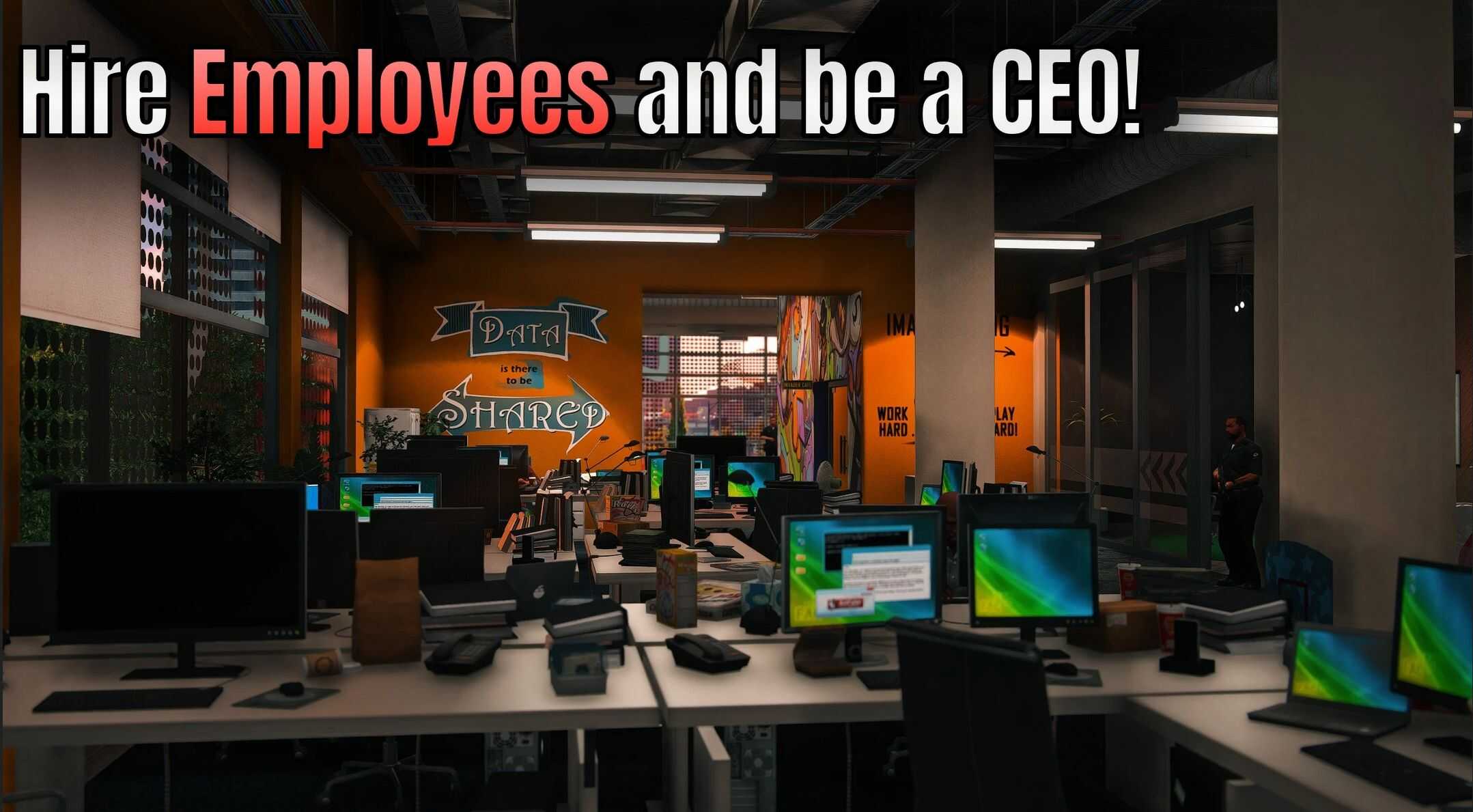
– Hire 3 types of employees:
– Level 1 employees (1,000) 1 workforce.
– Level 2 employees (2,000) 2 workforce.
– Level 3 employees (3,000) 3 workforce.
Employee Mood impacts server performance:
– Visiting the office upstairs boosts their mood by 15 percent.
– Bad moods lower productivity.
– Lay off employees if needed (but hurts server status/mood).
– Employee salaries are automatically deducted daily at 5 PM.
Server Management
– Your servers affect how much passive income you make.
– You can expand servers (costs 10M) to multiply your income:
– Each upgrade increases daily income by 2.5x.
– However, you need meet a workforce criteria to upgrade servers (shown in menu).
– Server Status (0-100) changes based on employee work and upgrades.
Security Guards
– You can hire security (2,500/day).
– Guards spawn around the LifeInvader property, patrolling predefined spots with rifles.
– (These guards act like my other mod House Guards, if you want you can check it out of my 5Mods Profile)
Fully Functional Building Interior
– The LifeInvader interior is loaded and usable
You can move around inside, including teleport points:
– Lobby – Roof
– 1st Floor – 2nd Floor
– Inside – Outside
– Markers show where you can teleport around the building.
Business State Saving
– All your money, employees, server level, passive income, and settings are saved to a file.
– If you reload the game, your business stays exactly how you left it.
Menus
You open the business management menu with Y (this is going to be configurable soon):
– View Income details.
– Manage Employees (hire, lay off).
– Manage Servers (expand servers).
– Manage Security (hire or fire guards).
– Menus show live updated information about your:
– Employee mood
– Salaries
– Server status
– Income per day/month/year
– Total income earned
How to Install
Scripthook V
Community ScripthookVdotNet
Simply install by dragging in dropping in “scripts” folder in your GTA V directory. Make one if you don’t have that folder.