Information
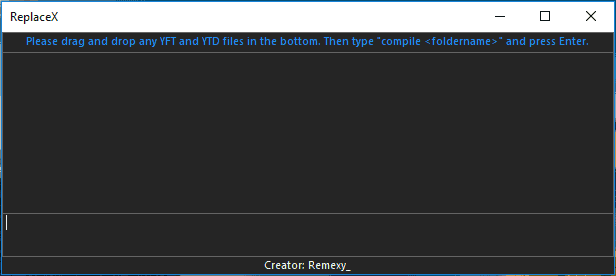
This is ReplaceX. ReplaceX is like FXI (Five-X-Installer), but very lightweight. It is only for mods that use yft, ytd and perhaps xml types.
Installation
Extract the folder ReplaceX somewhere (i.e onto your desktop), open it and run ReplaceX.exe.
Usage
Follow instructions in readme.txt.
Additional Information
As ReplaceX uses commands instead of buttons, here are the commands you can use:
– compile foldername (Compile the vehicle files in a folder with a custom name)
– delete foldername (Delete an existing compiled folder)
– exit (Exit the application)