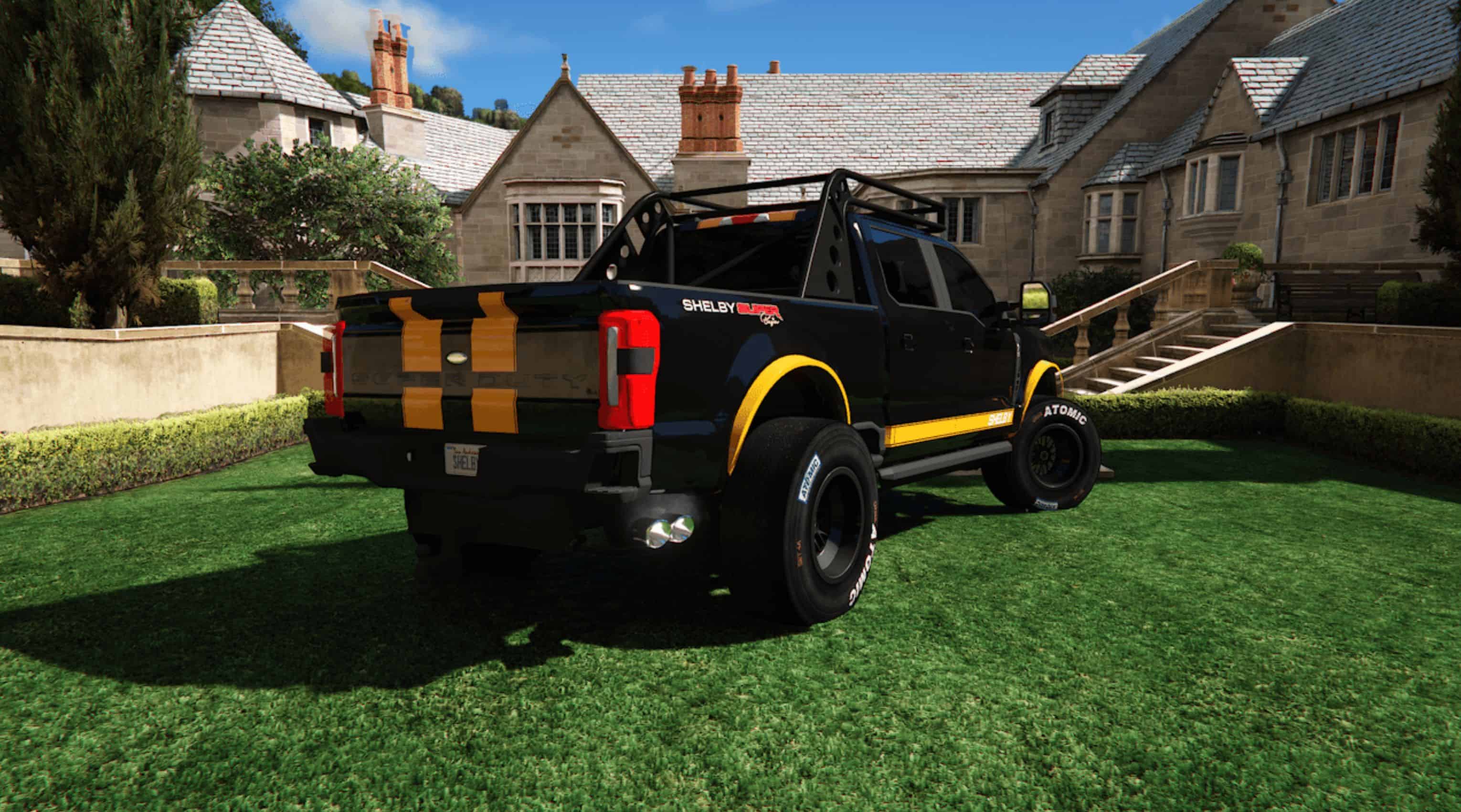
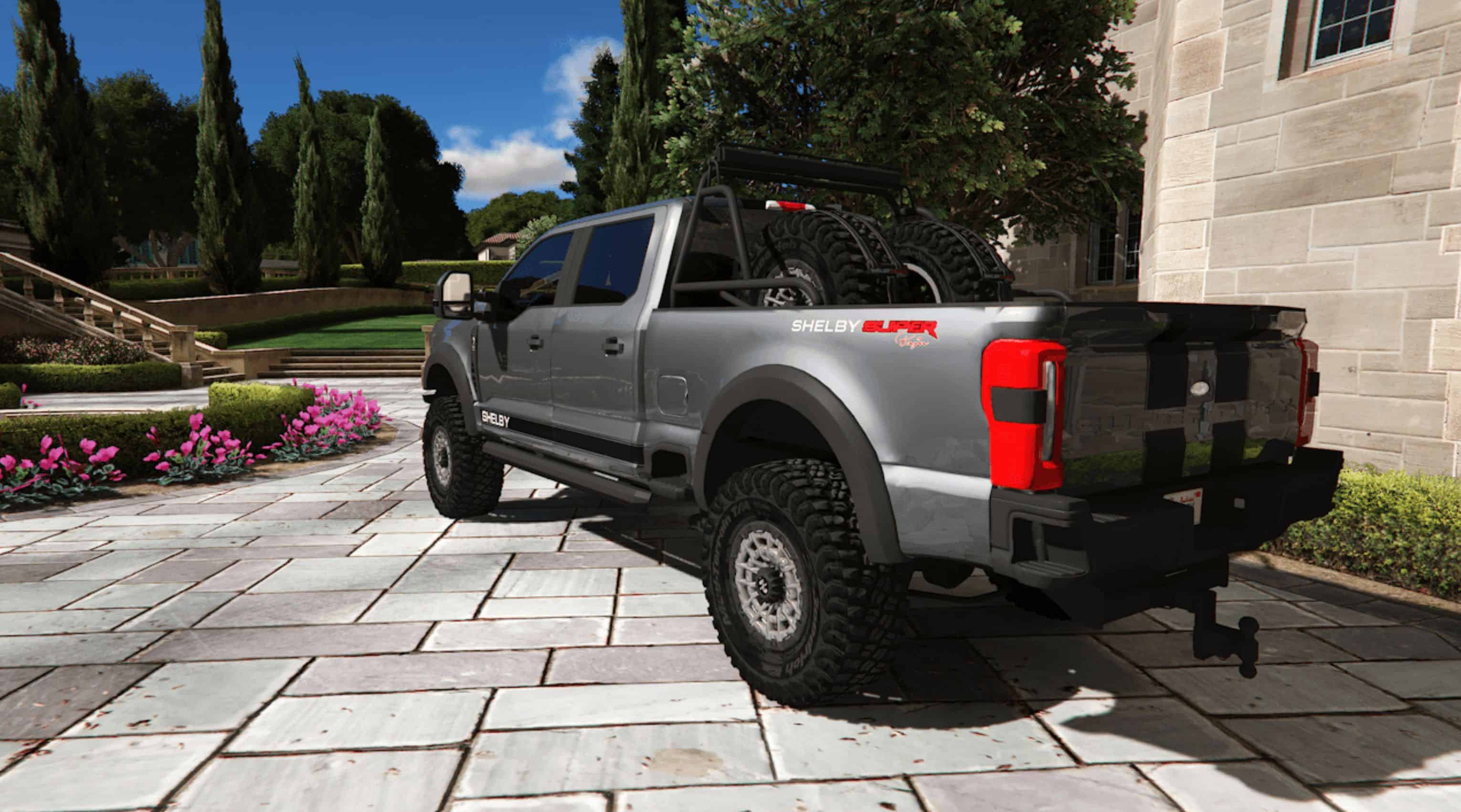
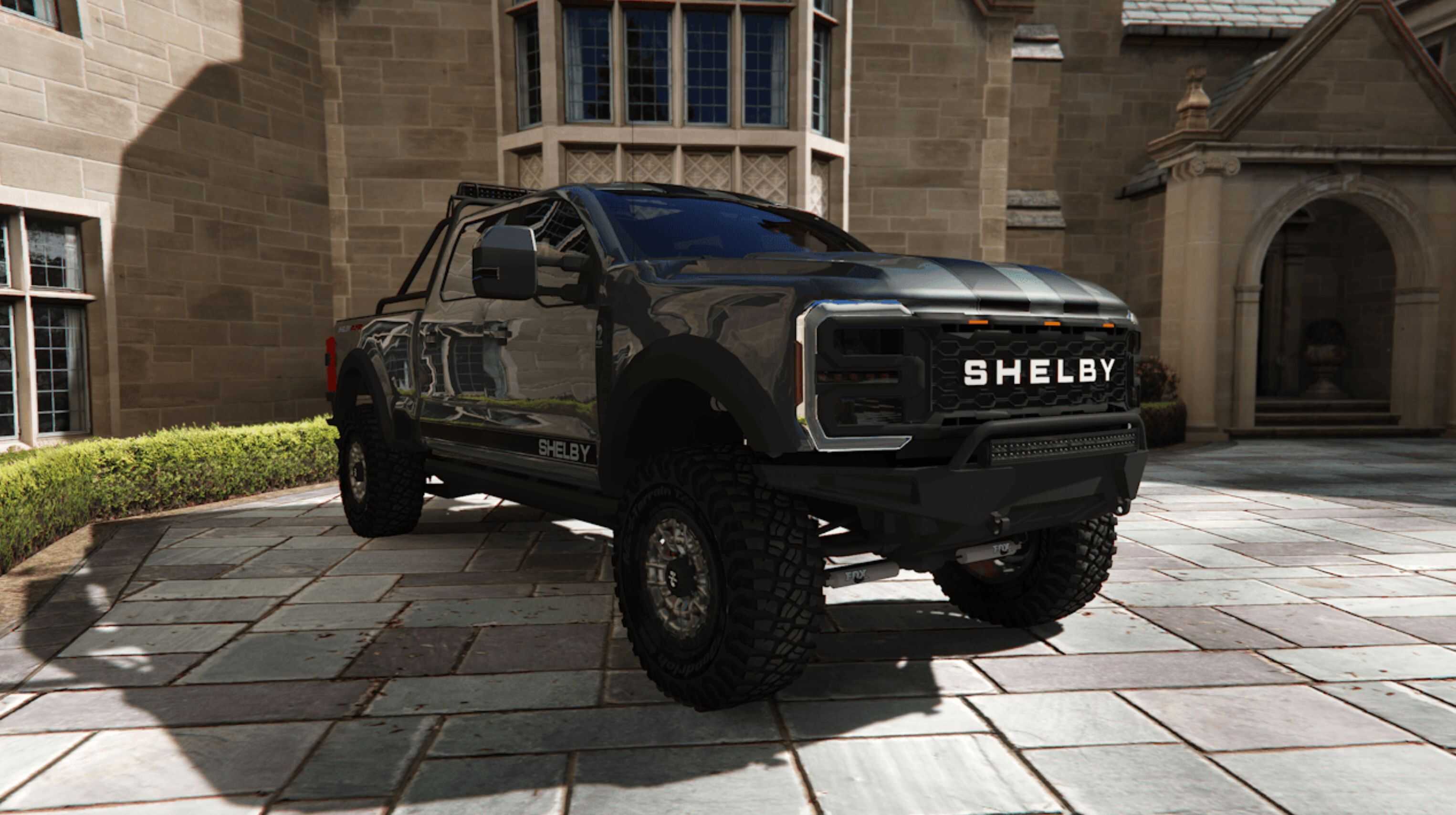
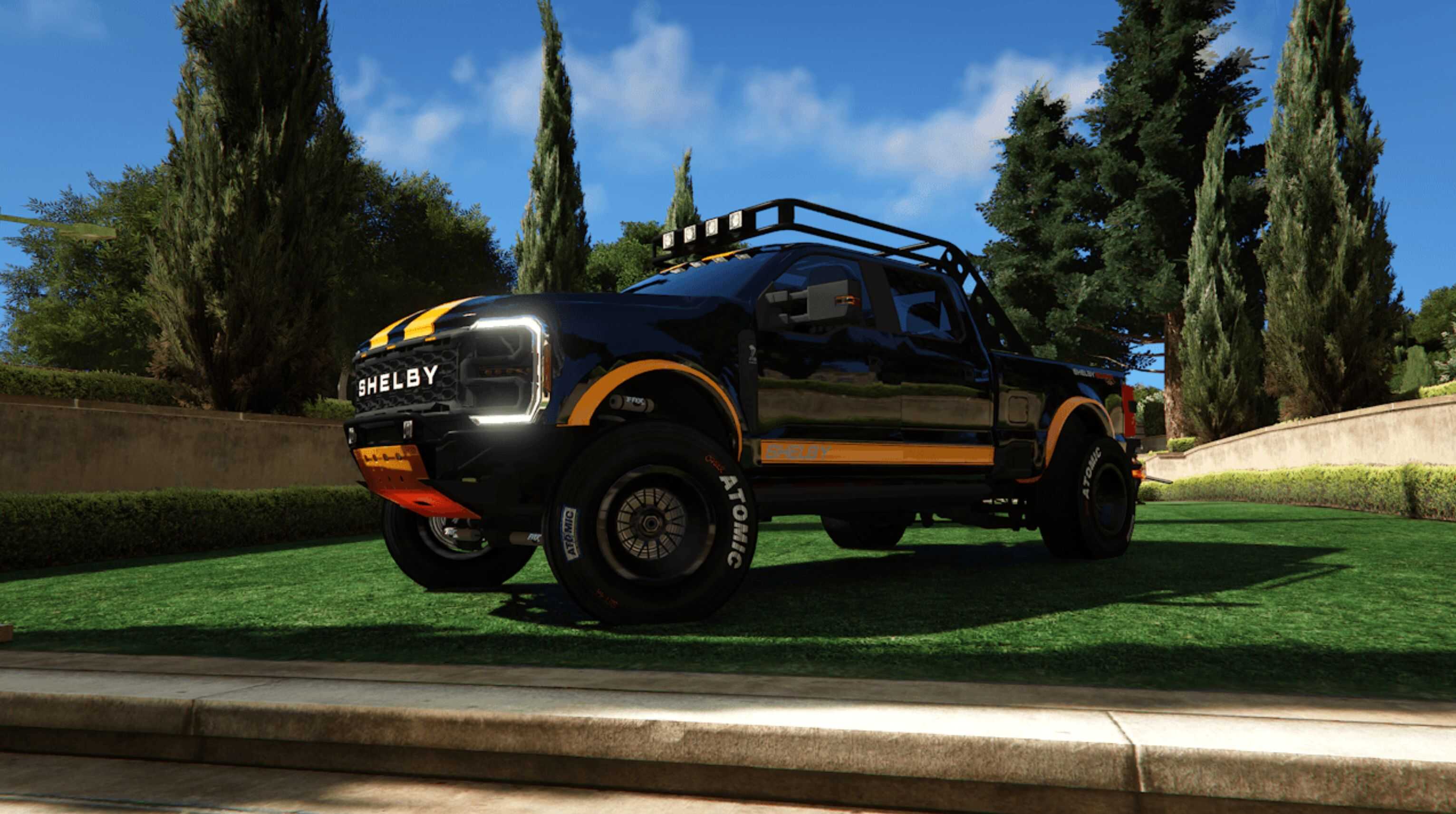
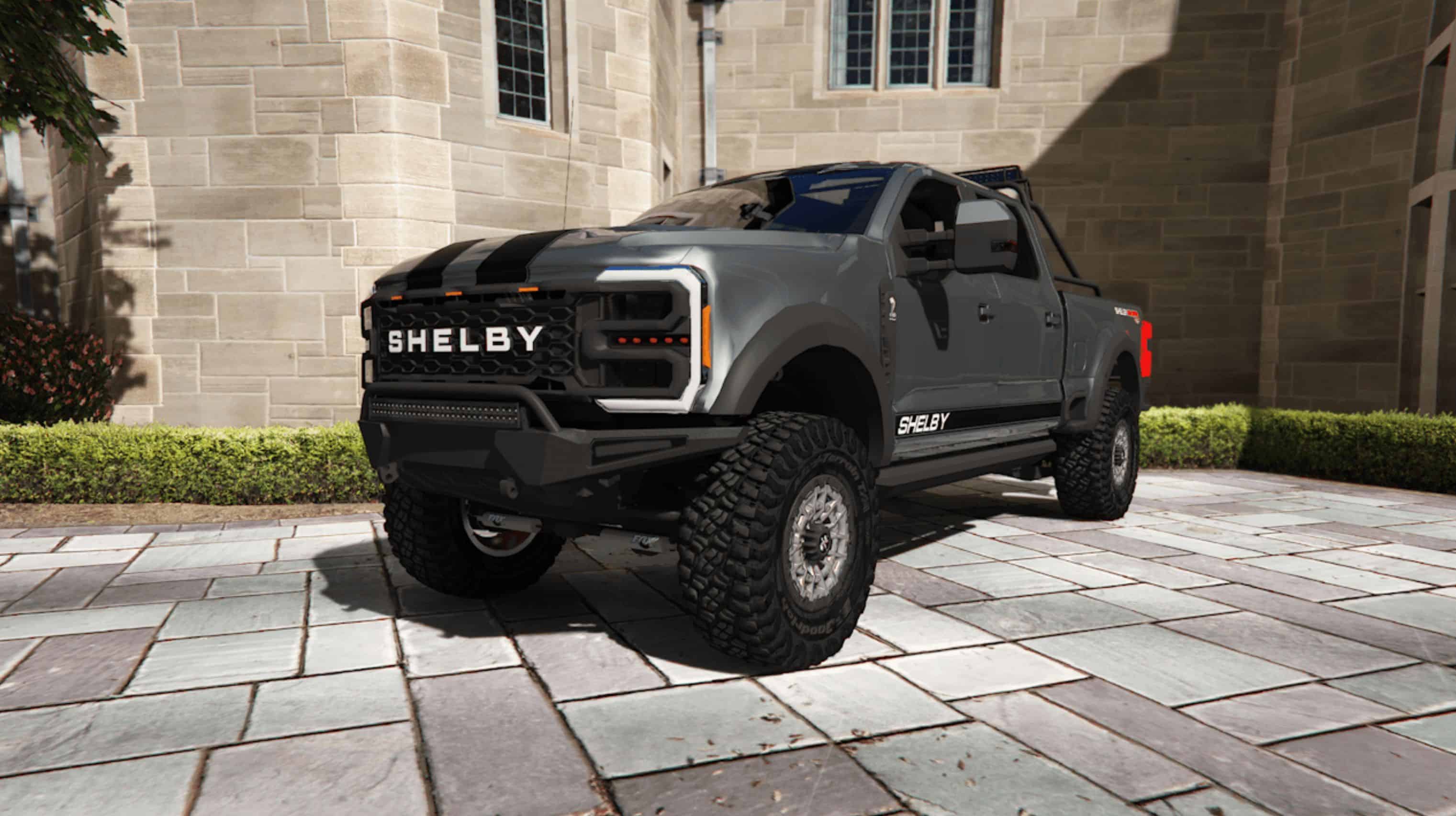
2023 Ford Shelby F-250 Super Baja 75th Anniversary Edition v1.2
Vehicle features:
– HQ body and engine
– Some custom pieces
– Primary and Secondary Paint
– Breakable Glass
– Working Display
– Hands on Steering Wheel
– Color1 Body
– Color2 Stripes
Changelog:
1.0
– Release
1.1
– Renamed “Replace” to “Legacy” in file structure
– Fixed taillights on legacy
– Fixed rear bumper custom parts alignment
– Fixed custom hood alignment
– Removed random hoods and plan to create custom hoods at a later date
1.2
– Added Add-On support for Legacy (Thanks to rodolfo_luna94 for the template)
– Fixed Enhanced version lights
Known Issues:
– See through textures
– Windows need break fix
– Dirt needs to be mapped correctly
– Customize parts needs updated
Future Plans:
– Clean up Add-on tune parts names
– Add more options for color variety
– Get it FiveM ready
– Decals and Custom Template
– Better Bump Maps and Textures
[This install method assumes you already have a mods folder setup and have a basic understanding of how to mod the game]
Installation: [Replace]
1: Open OpenIV
2: Select Tools -> Search
3: Search for “caracara2”
Usually located here = “X:\Grand Theft Auto V\mods\update\x64\dlcpacks\mpvinewood\dlc.rpf\x64\levels\gta5\vehicles\mpvinewood.rpf\caracara2_hi.yft”
4: Double-Click the “caracara2_hi.yft” search result to go to file location.
5: Enter “Edit Mode” (You should be in your mods folder)
6: Drag and drop the caracara2.ytd, caracara2+hi.ytd, caracara2.yft, and caracara2_hi.yft into the same directory.
7: Double-Click the “caracara2_hi.yft” to check if the model is correctly replaced.
8: Go back to search and find “caracara2_mods.rpf”
9: Double-Click the “caracara2_mods.rpf” search result to go to file location.
10: Open the “caracara2_mods.rpf”
11: Drag and drop the “mods” folder content into the rpf.
12: Launch the game and spawn it in using your mod menu (trainer) of choice.
spawn name = caracara2
Installation: [Enhanced]
Do the same as legacy but be sure this is installed below and use the “enhanced” folder contents –
https://www.gta5modhub.com/openrpf-openiv-asi-for-gta-v-enhanced-0-1/
You may need to use codewalker (software) to explore the rpf’s and replace them.
Installation: [Add-On]
1: Open OpenIV
2: Place “f250shelby” folder in your DLC list
Usually located here = “X:\Grand Theft Auto V\mods\update\x64\dlcpacks”
3: Locate “dlclist.xml”, right click, and edit. (may have to enable edit mode)
Usually located here = “X:\Grand Theft Auto V\mods\update\update.rpf\common\data\dlclist.xml”
4: Copy and paste this line at the end. (I like to match indention of lines but may not be necessary)
dlcpacks:/f250shelby/
5: Save the file
6: Launch the game and spawn it in using your mod menu (trainer) of choice.
spawn name = f250shelby
Thank you for downloading this mod. While there are a few known issues I am actively working to address, I hope you still enjoy the experience. I have several exciting projects in development, so be sure to check back regularly on my page for future releases.