Realistic Pistol Sound
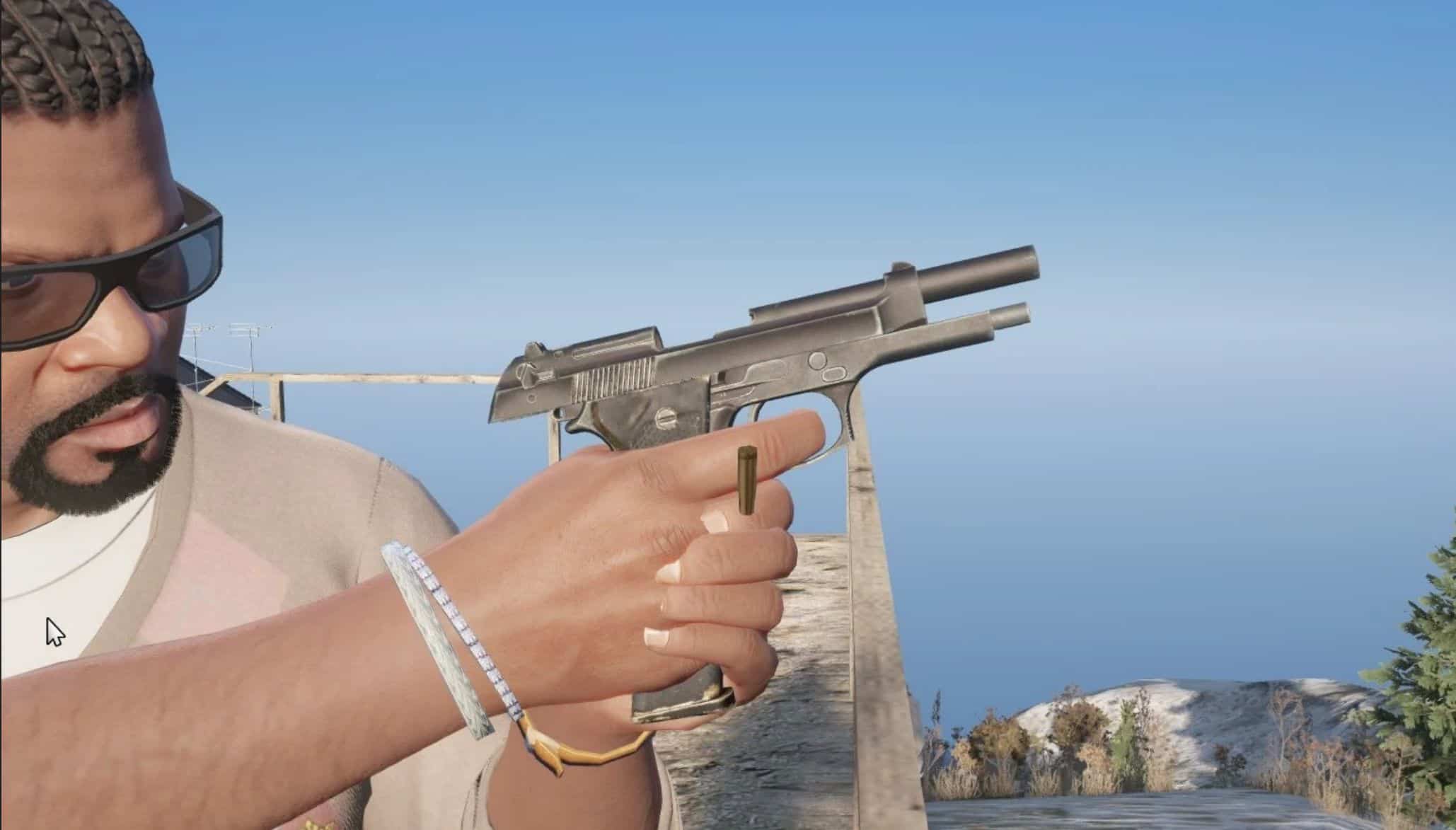
This mod will replace the default pistol sound in GTAV with a sound derived from real life.
Audio source is from Skallagrims Gunshot Recording
Installation:
1: Go to this file location in open4, mods,x64,audio,sfx,WEAPONSPLAYER.rpf,, then drag and drop the ptlpistol.awc from the “WEAPONSPLAYER” folder from my zip file into the open4 archive.
2: Go to this file location in open4, mods,x64,audio,sfx\RESIDENT.rpf,, right click on “weapons.awc” and click export to open formats, then export it to where your desktop. go into the “RESIDENT” folder in my zip file and drag and drop “PTLPISTOLSHOT.R” into the weapons folder on your desktop, then click on the “new” option in the upper left hand corner in open4 and select import open formats in the drop down menu, click on ok and it should be installed.
3: Run the game and enjoy.
Bugs:
No known bugs