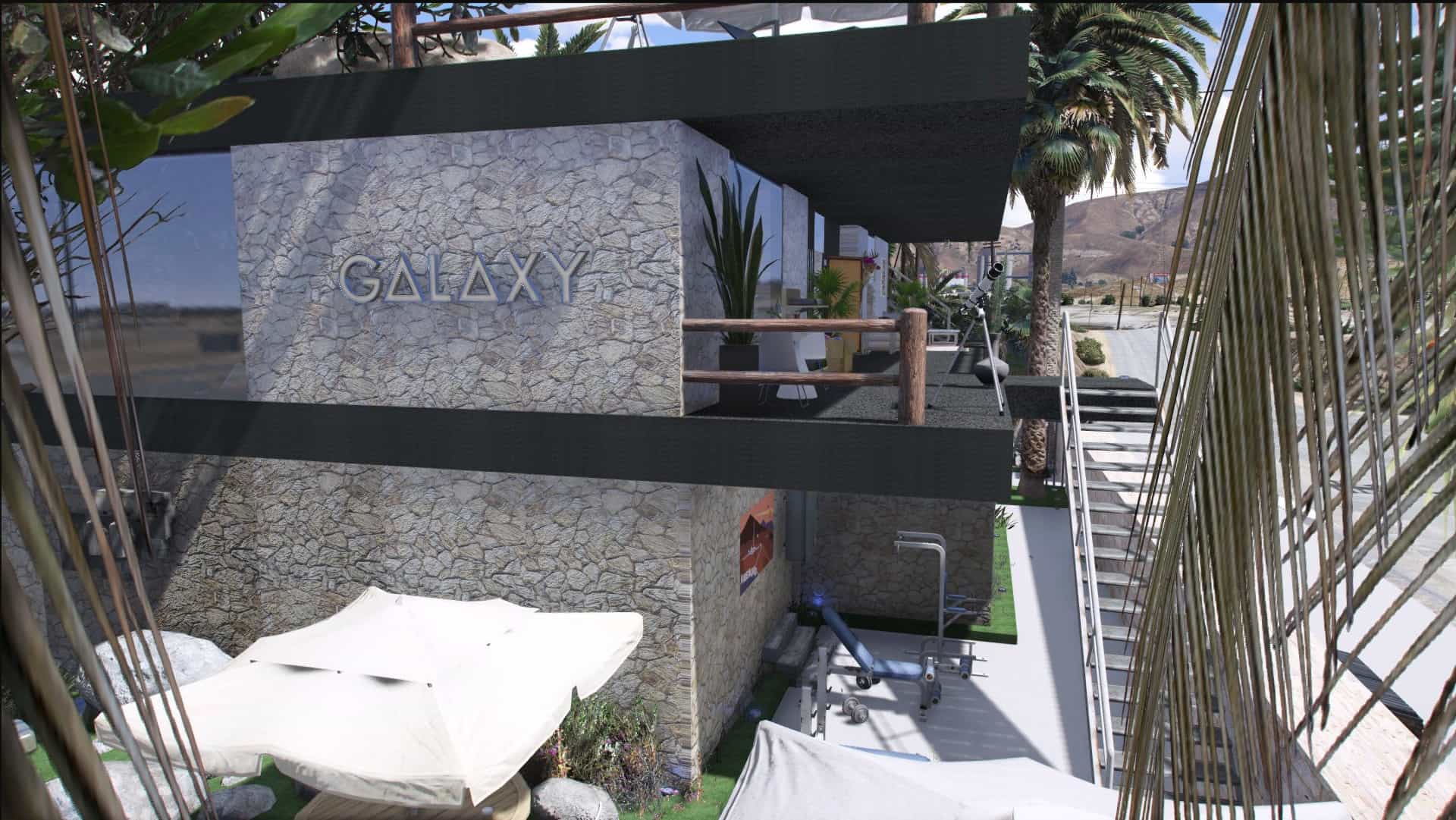
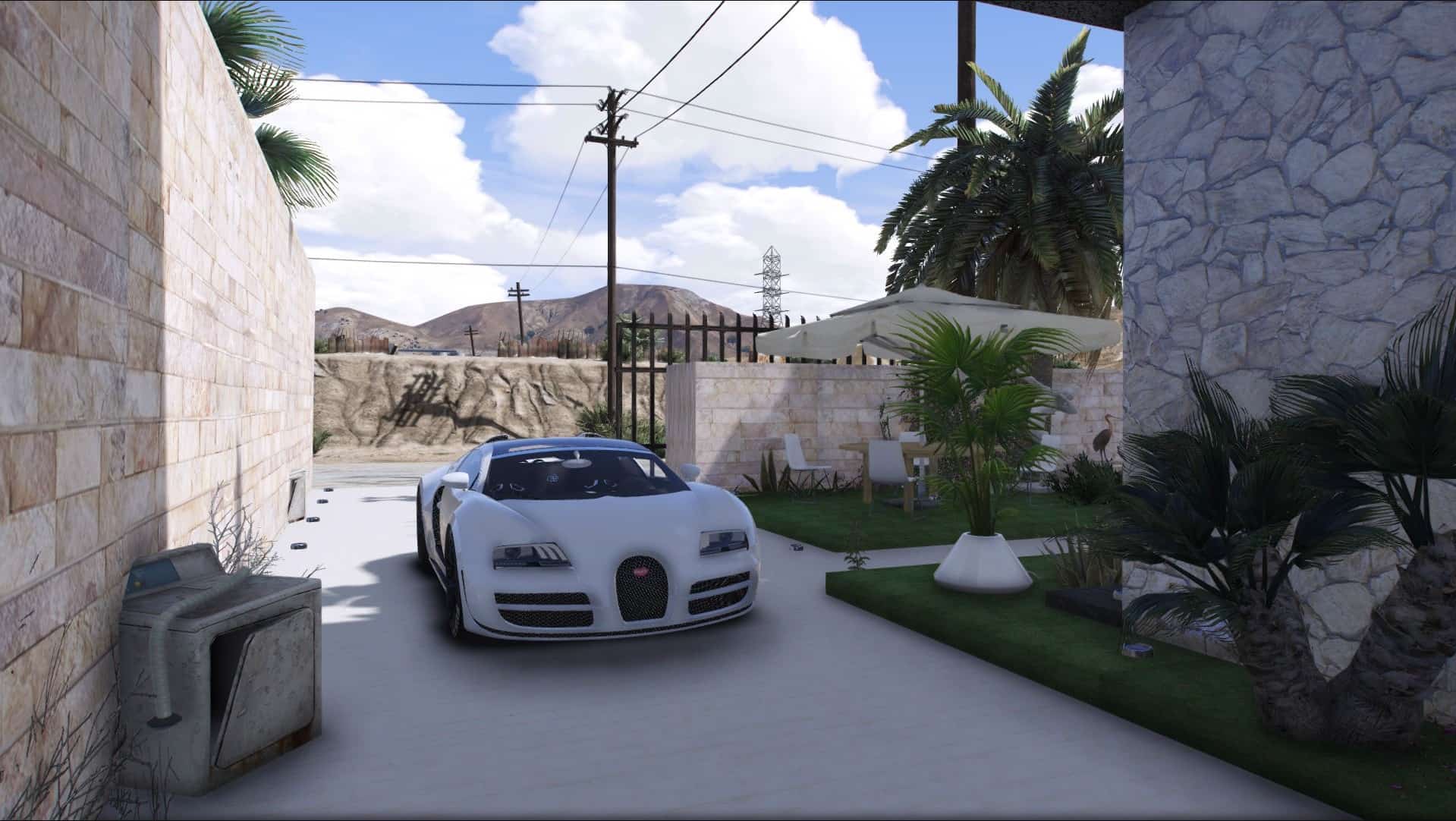
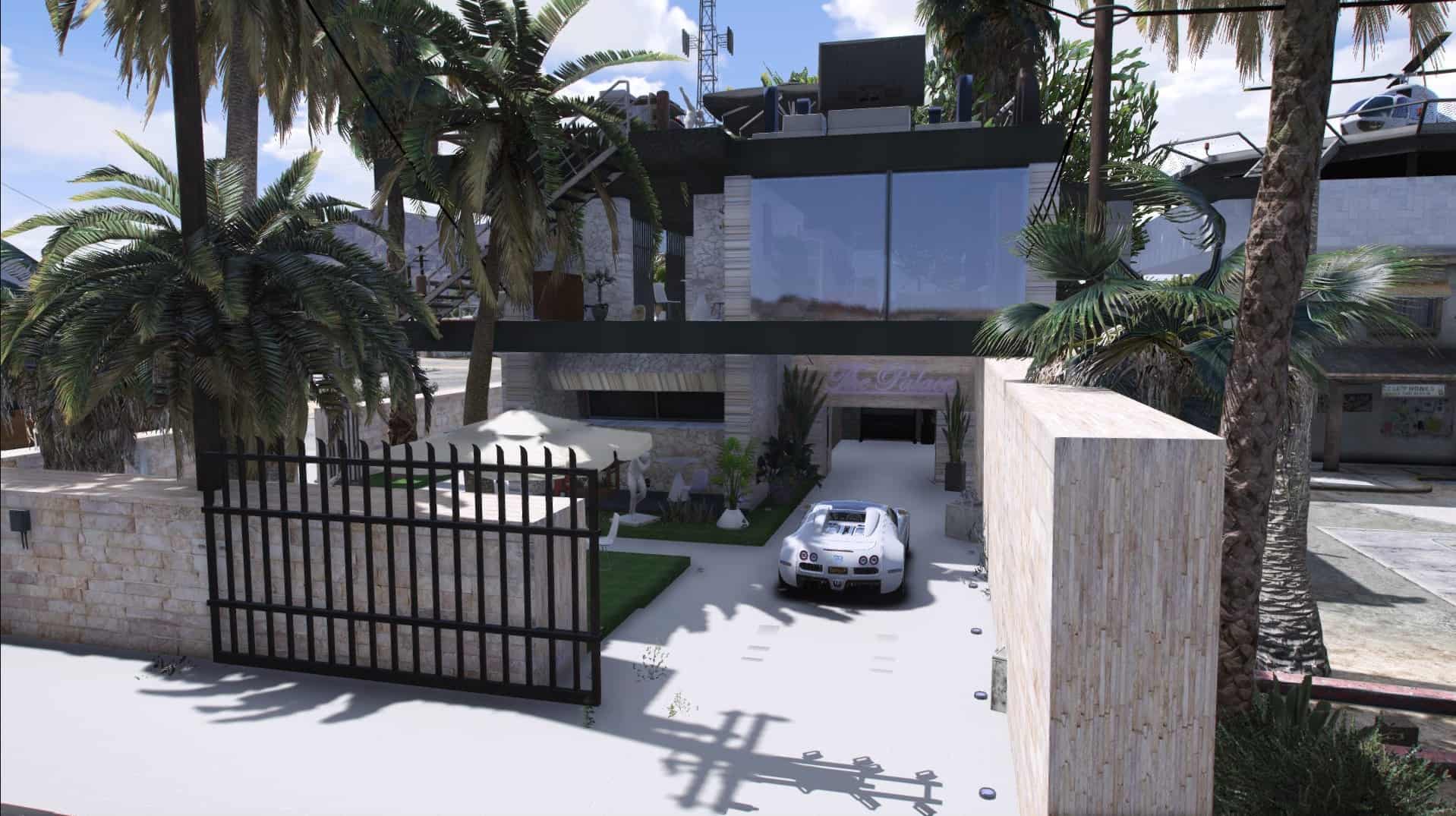
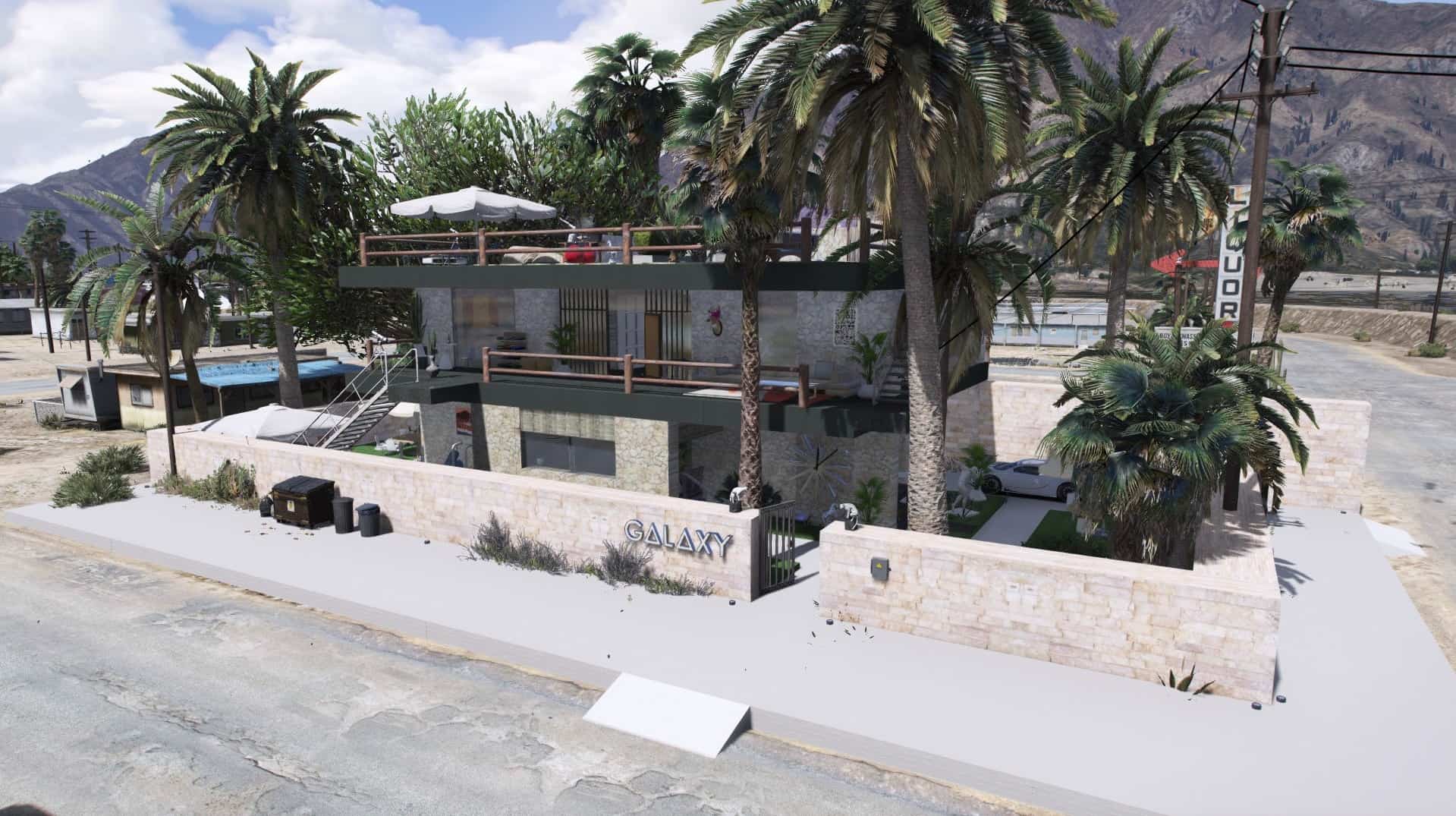
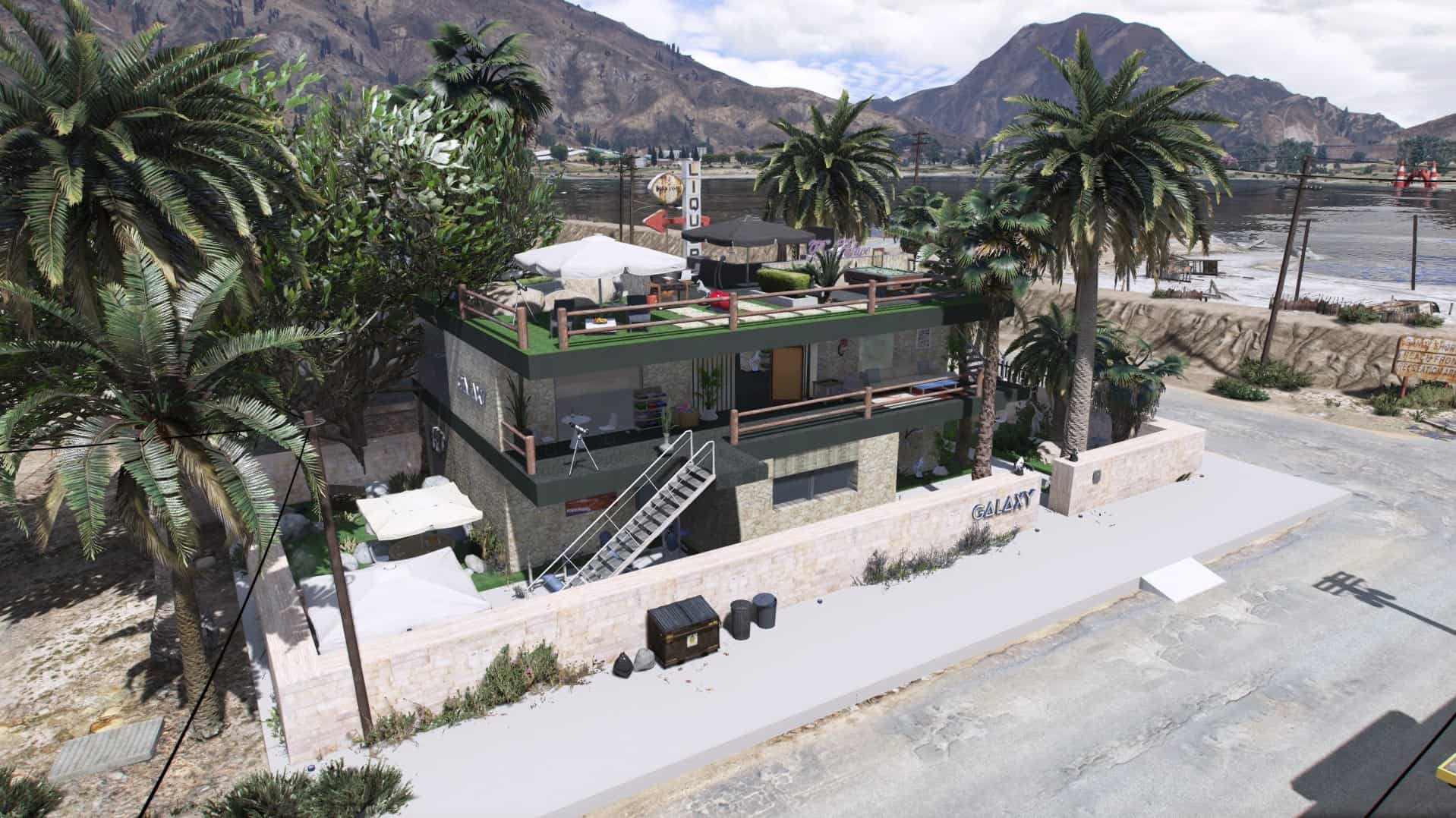
Requirements:
1. Install ScriptHookV
2. Install ScriptHookDotNet
3. Install Menyoo PC SP
4. Install Map Builder (REQUIRED)
How to install:
First download Trevor’s Trailer As clean as possible mod
(YMAP)
Open OpenIV tool then go to GTAV/ mods/ update/ x64/ dlcpacks/ custommaps/ dlc/ x64/ levels/ gta5/ citye/ maps/ custommaps
inside of the custommaps.rpf file press right click and (import OpenFormats), then import Trevor.ymap
If you don’t have custommaps folder or custommaps.rpf file then download latest (MapBuilder)
(XML)
Move Trevor.xml file from the .zip into your GTA 5 main directory/MenyooStuff/Spooner.
1. In-game open menyoo/object-spooner/manage-saved-files/Trevor.xml/load-placements then you should be teleported to the location.